Transparent OLED & holographic display systemsJoeysoz@163.com
Request a Quote ↗

SOFTWARE

RC+ software for display experiences.

Choose the software modules that support your content, playback, connection and interactive workflow. Hardware compatibility and final scope are confirmed per project.

RC+ SOFTWARE

The software that runs the screen.

RC+ is the software side of our solutions. Six modules cover content, playback, connection, ordering, virtual fitting and digital humans. Choose what the project needs.

Which software runs on which display

RC+ software30-inch OLED55 / 77-inch OLEDOLED BoxHolo Tube / ProjectionSpatial Display
RCPress●●●●●
RCPlayer●●●●●
RCScape●●●●●
RC Coffee●––––
FXMIRROR–●–––
RCAvatar●●●●●

● designed for this display class · – not typical. Other combinations can be reviewed per project.

RCPress RC+ software in use

Content & screen management

RCPress

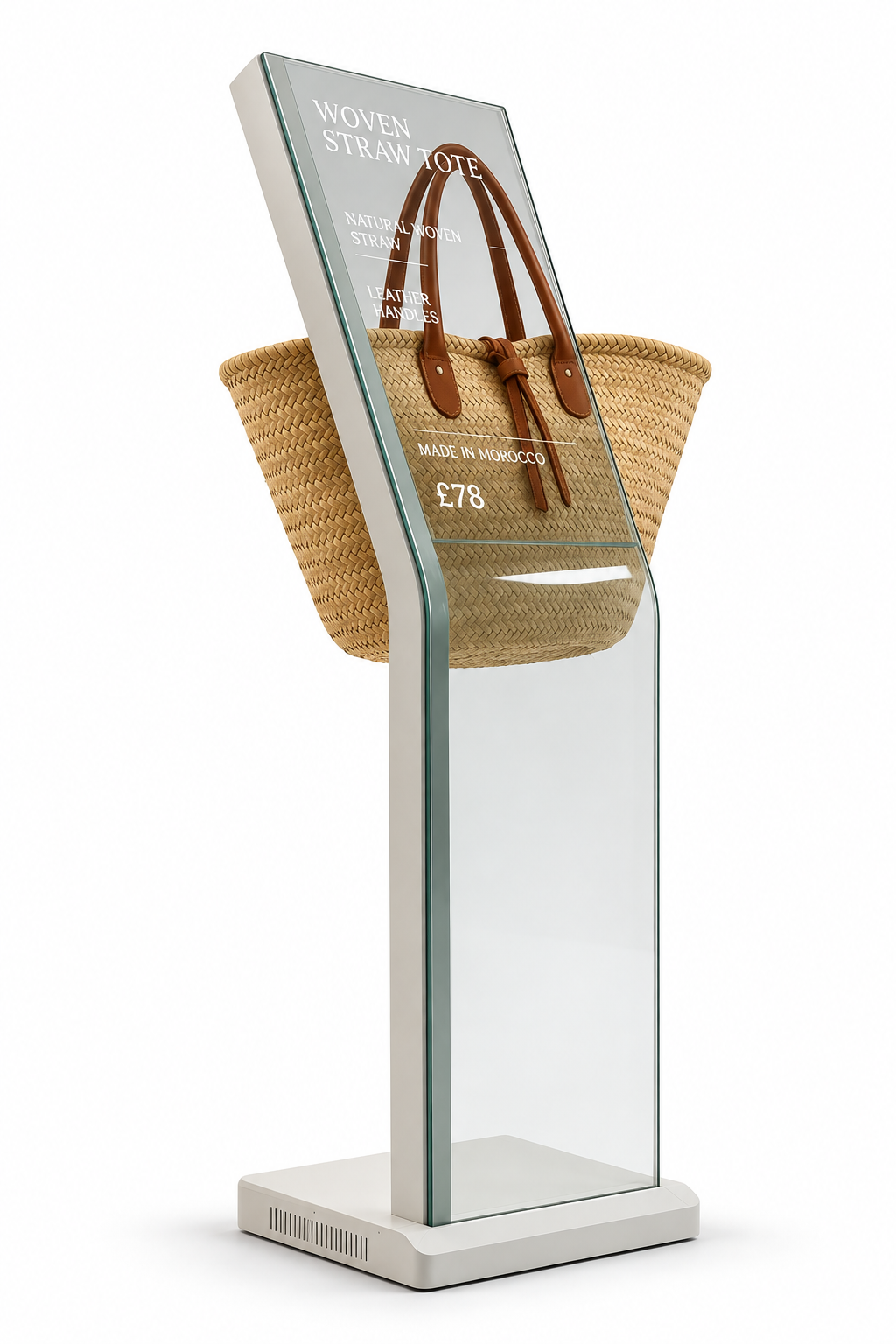
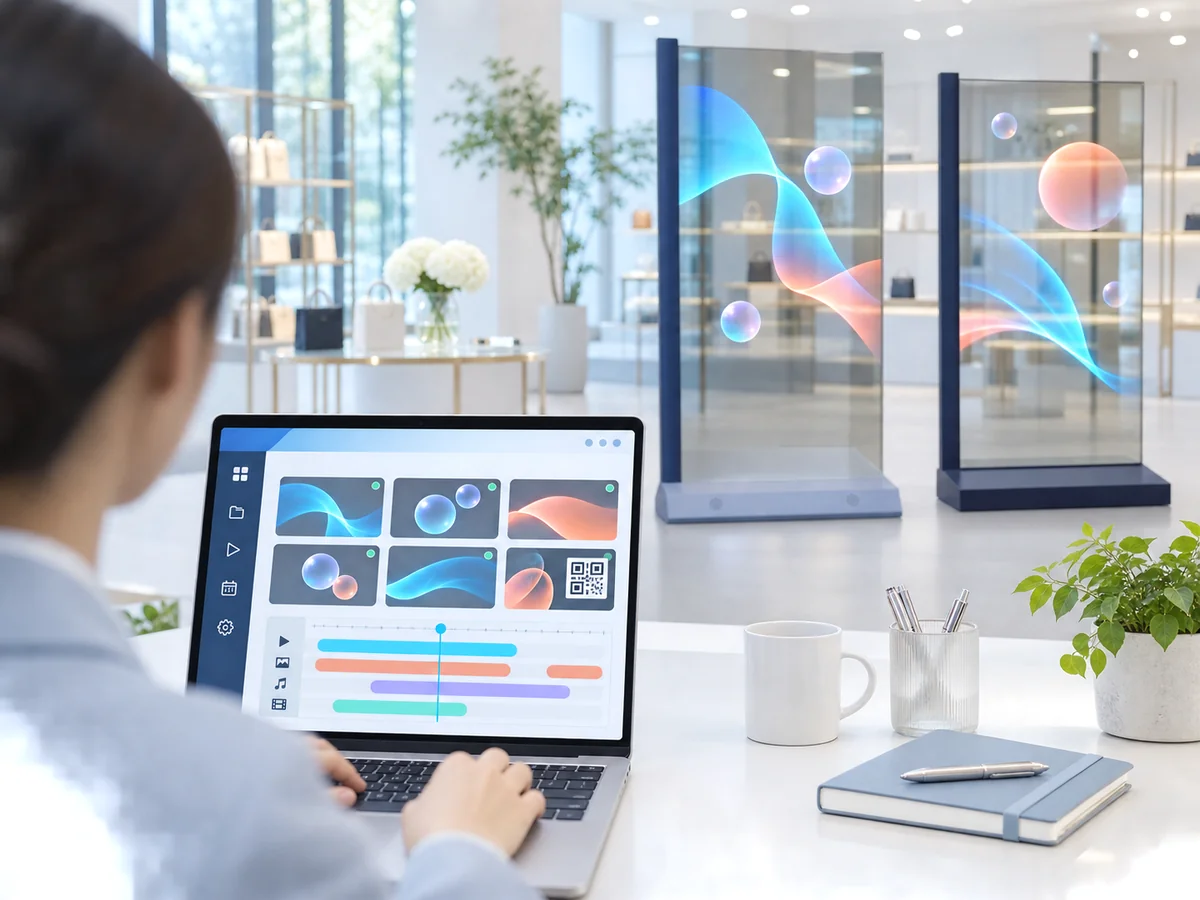
RCPress is the web platform that runs the content on AIOLEDX screens. Upload videos and images once, group screens by shop, room or site, and publish playlists on a schedule. A campaign change reaches every screen without a site visit.

Key functions

  • Screen and group management from one web console
  • Media library, playlists and scheduled publishing
  • Android client and web player page for the display
  • White-label branding for OEM projects, scoped per project

Typical use

Chain stores, lobbies, exhibition halls and any site with several screens.

Remote publishing needs a network connection. For offline screens, pair it with RCPlayer.
RCPlayer RC+ software in use

Standalone player

RCPlayer

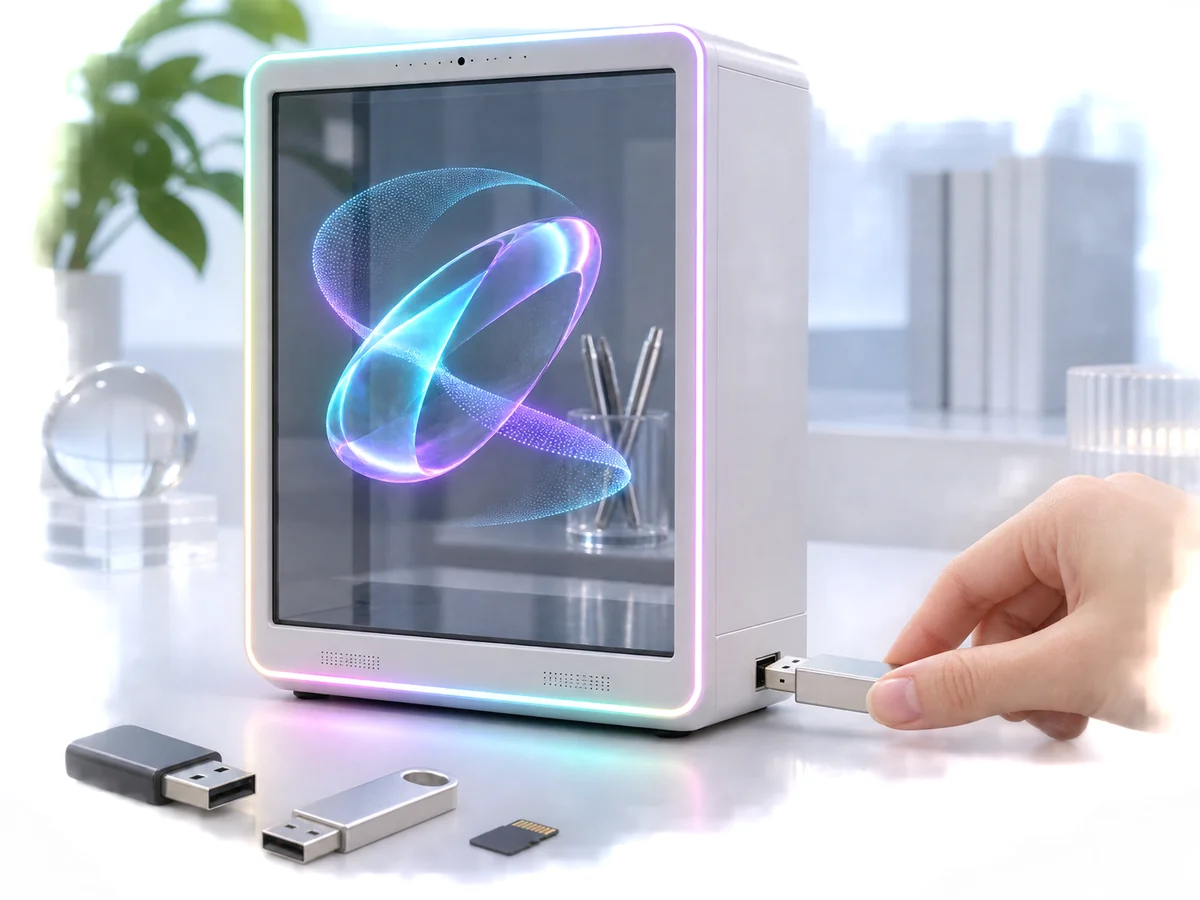
RCPlayer is for screens that work without a network. Copy your content into the Look folder on a USB stick or TF card, plug it in, and the player imports it and loops it full screen. It starts by itself every time the display is powered on.

Key functions

  • USB or TF import: content is copied to the device and plays from there
  • Starts on power-up and loops full screen
  • Password-protected exit for public spaces
  • Each import replaces the previous content, so the loop is always the latest

Typical use

Compact counter displays, holographic boxes and events where Wi-Fi cannot be relied on.

Designed for compact portrait displays such as the 15.6-inch model. Other formats are confirmed per project.

RCScape RC+ software in use

Connect & commission

RCScape

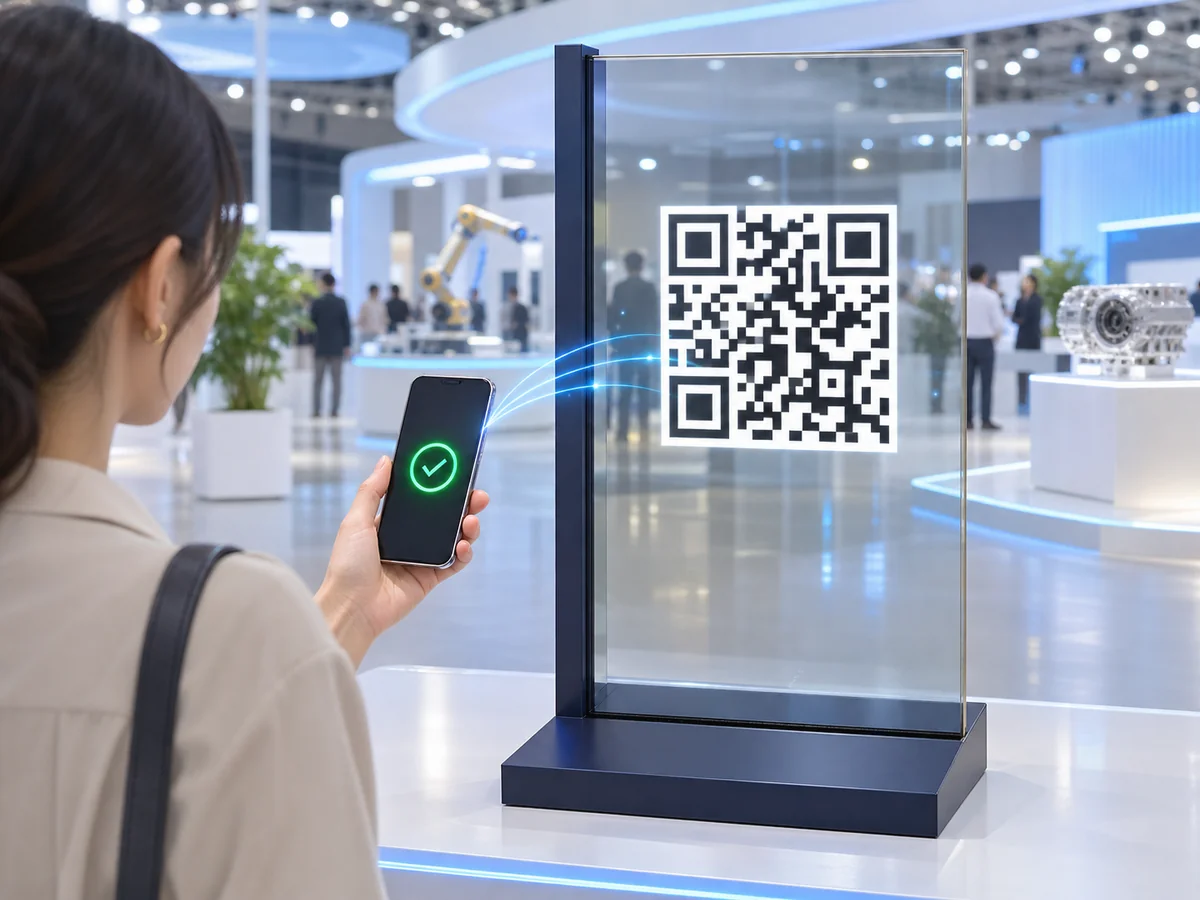
RCScape links phones and other devices to screens over the local network. Scan a QR code or enter an IP address, and the device is paired, ready for set-up checks or to act as a simple remote control.

Key functions

  • Pair by QR code or IP address
  • Phone as a remote control for a screen
  • Check and commission several screens on site
  • Works on the local network, with no cloud account needed to connect

Typical use

Exhibition set-up, museum staff, demonstrations and installation checks.

Pairing requires the phone and the screen on the same local network.

RC Coffee RC+ software in use

Ordering interface

RC Coffee

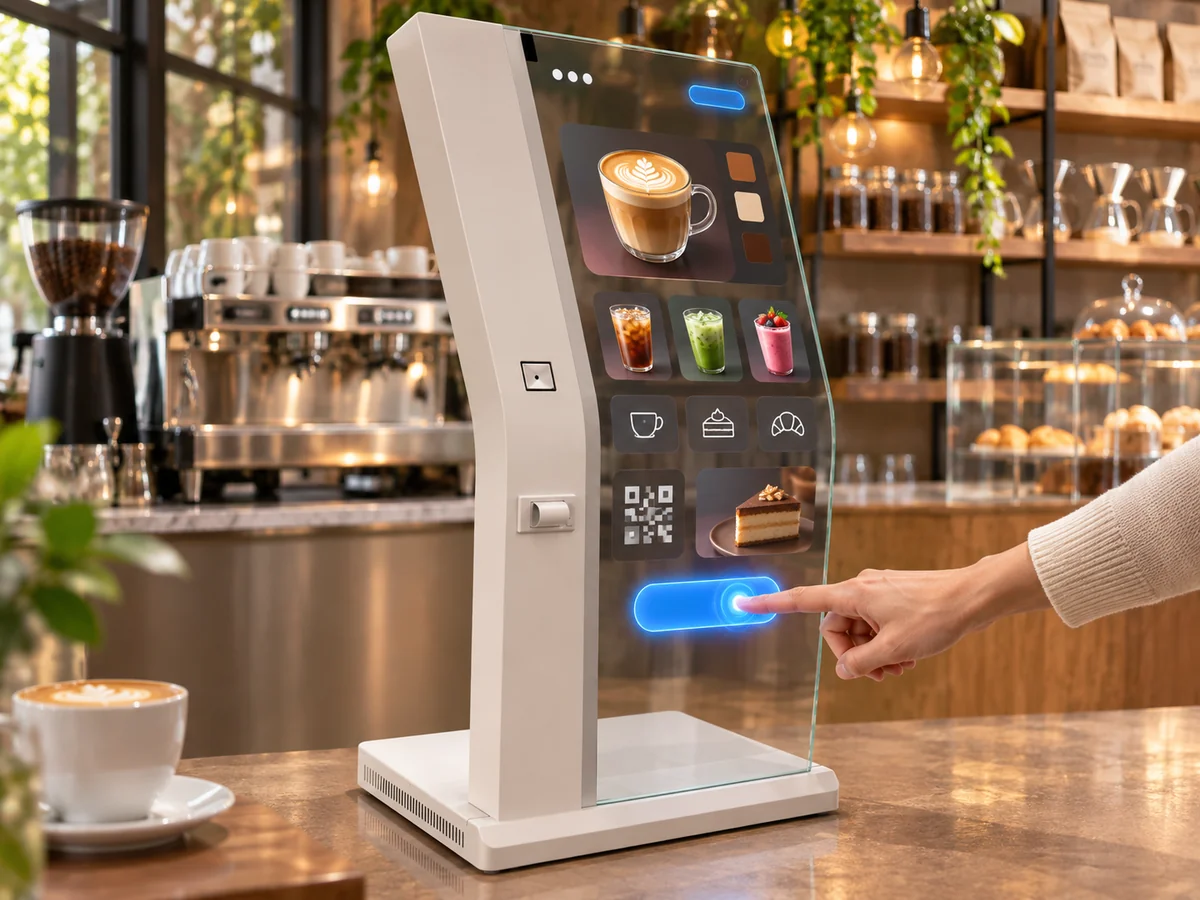
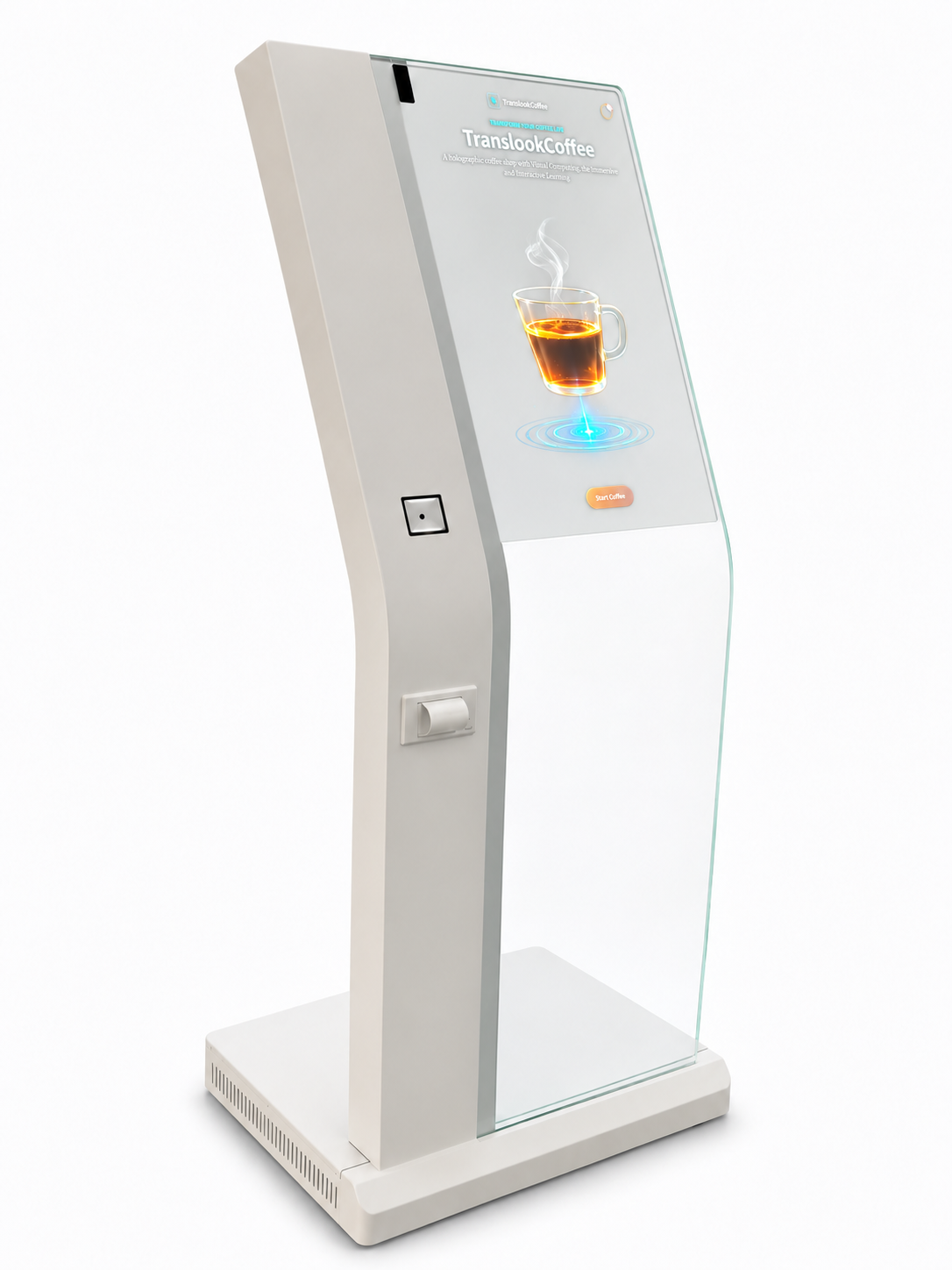
RC Coffee is an ordering interface for coffee and drink venues, designed for the 30-inch transparent OLED kiosk. Dark, high-contrast menu cards stay readable on the glass while the machine and the barista stay visible behind it.

Key functions

  • Menu cards with photos and prices, built for transparent glass
  • Touch selection of drinks and options
  • Clear confirm-and-send order flow
  • Menu, branding and visuals set up for your venue; payment and POS links reviewed per project

Typical use

Coffee machines, self-order counters and beverage kiosks.

Payment and POS integration depends on your provider and is confirmed per project.

FXMIRROR RC+ software in use

Virtual fitting

FXMIRROR

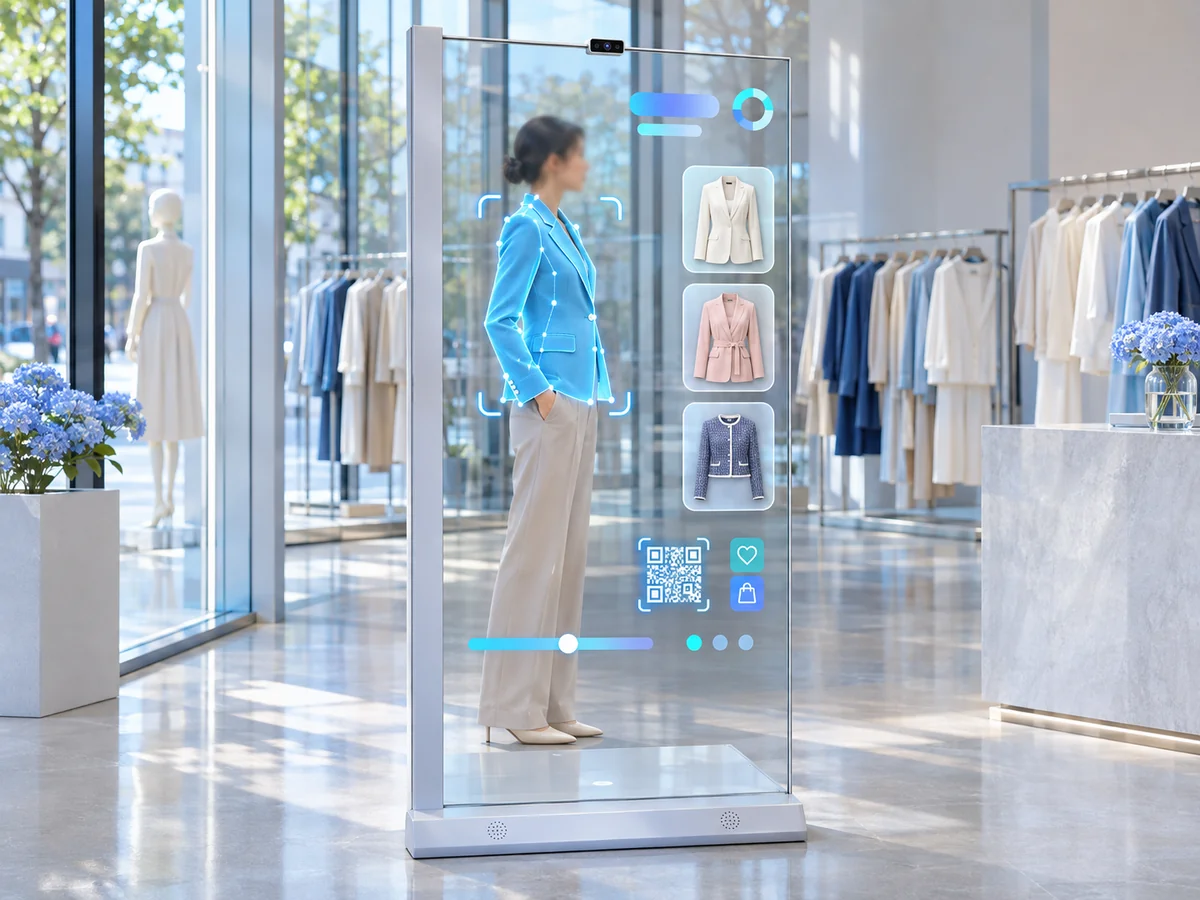
FXMIRROR turns a tall transparent display into a fitting mirror. A camera follows the shopper, and the selected garment is overlaid on their body so they can try looks without changing. A live installation used an 86-inch transparent LCD at an education centre in Shanghai; other display formats require a camera and project-specific validation.

Key functions

  • Camera-based body tracking
  • Virtual try-on with your catalogue of looks
  • Touch or gesture selection of garments
  • Brand looks and catalogue set up per project

Typical use

Fashion windows, showrooms and fitting areas.

Requires a camera, suitable computing and open space in front of the screen; confirm compatibility for each project.

RCAvatar RC+ software in use

Digital human

RCAvatar

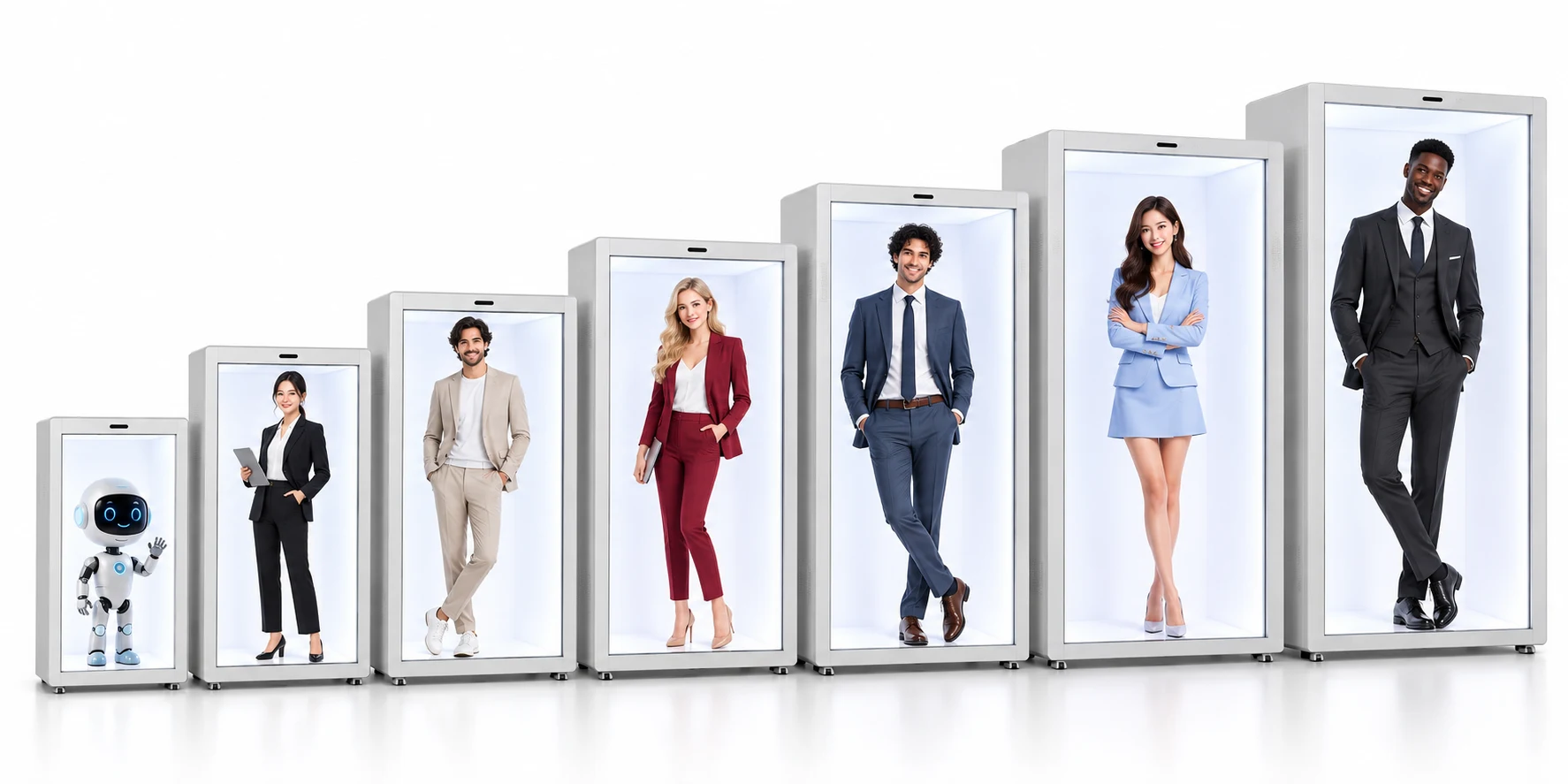
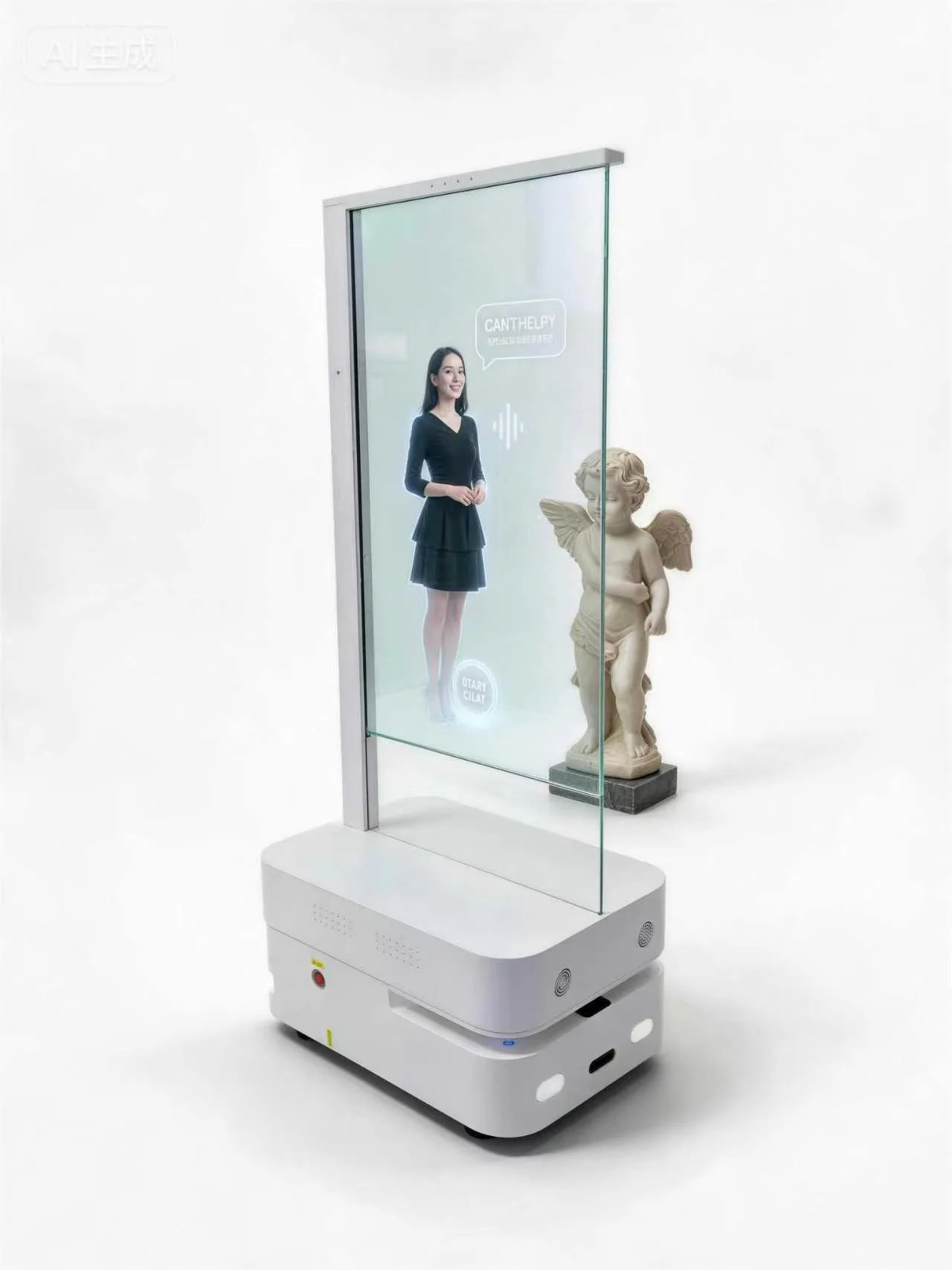
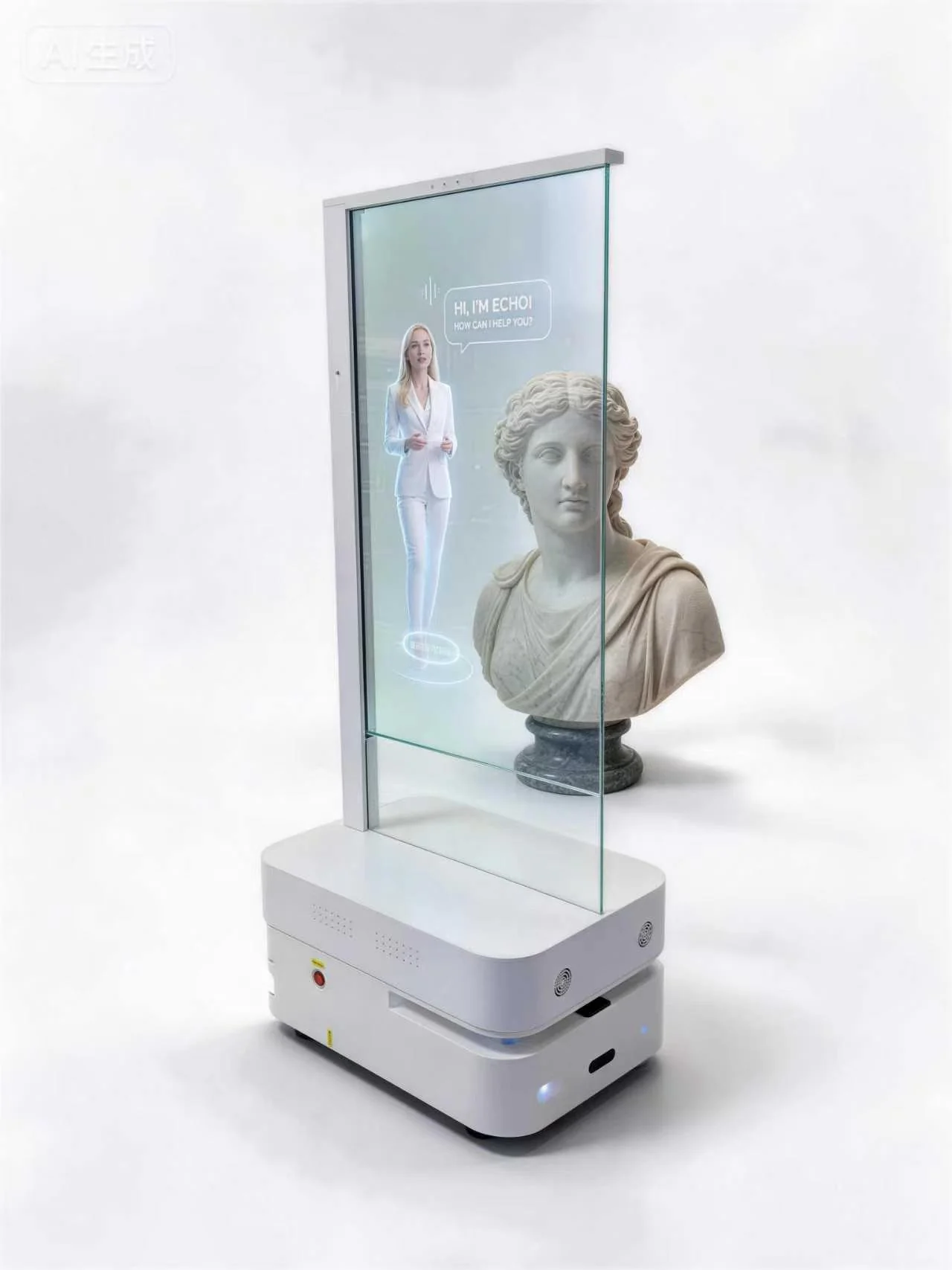
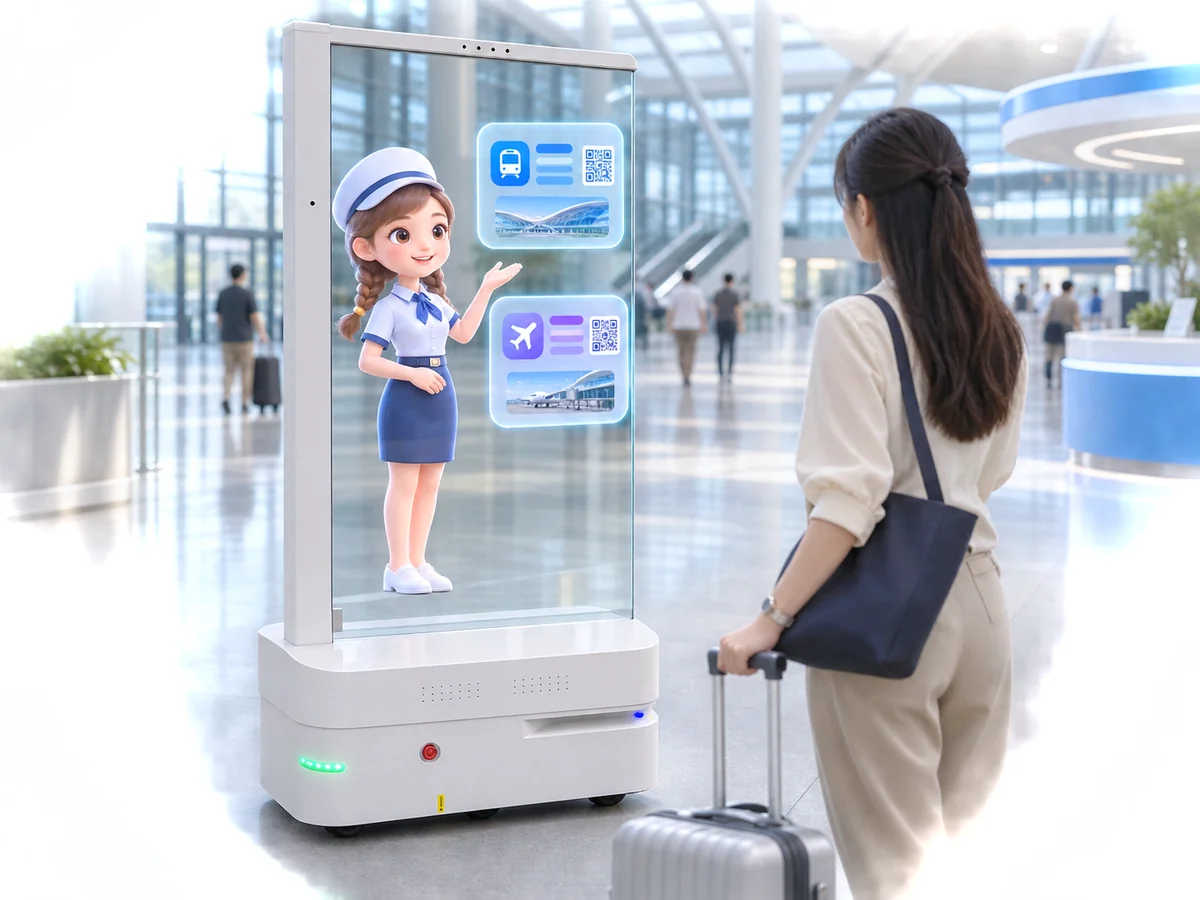
RCAvatar is a digital human that greets visitors, answers questions and guides them. It is voice-first, with on-screen service cards for information, directions and next steps. Answers come from your own knowledge base.

Key functions

  • Spoken conversation with touch as a back-up
  • Service cards such as information, directions and check-in
  • Q&A from your knowledge base
  • Links to your systems through APIs, scoped per project

Typical use

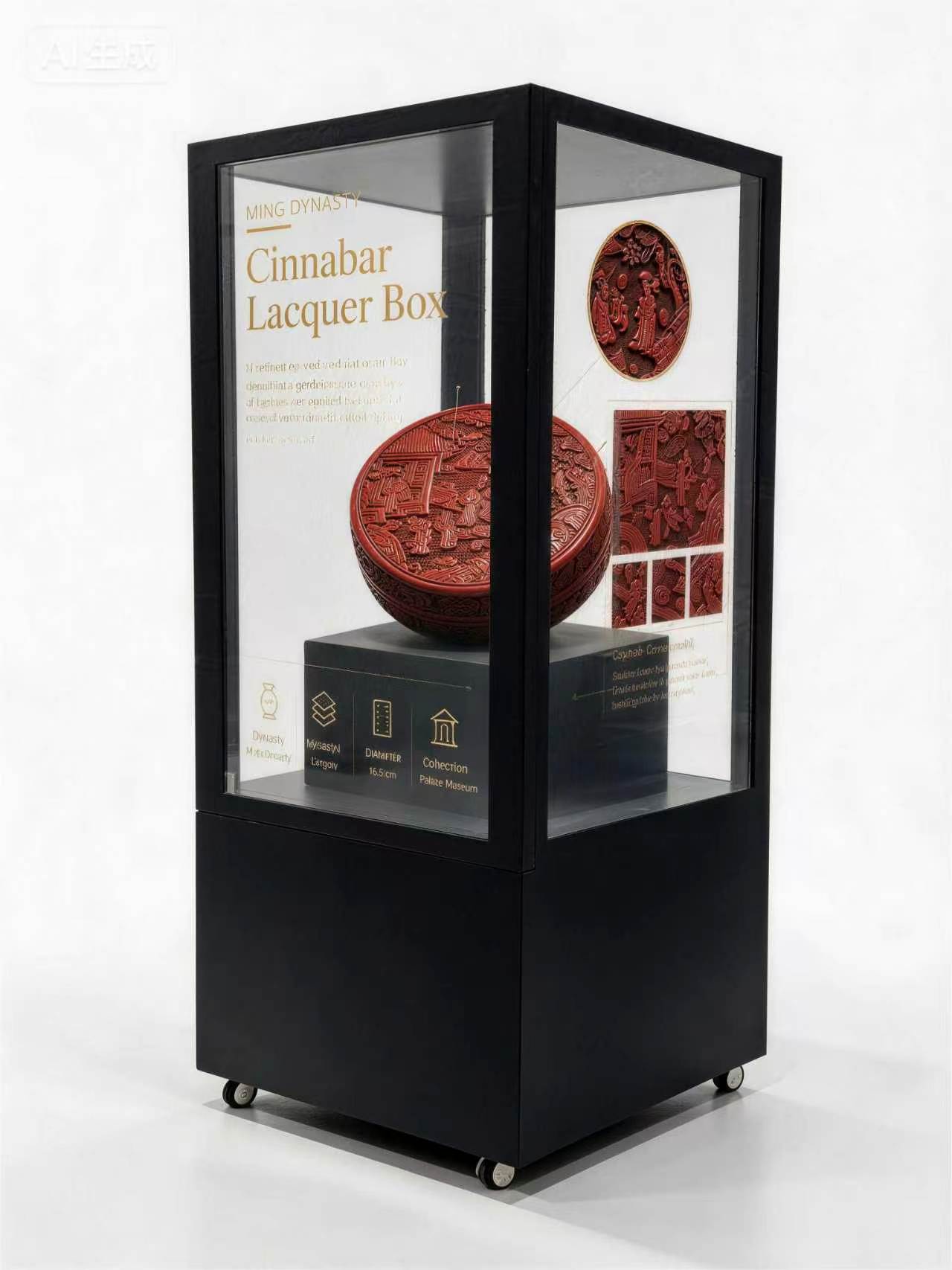
Reception, transport and service halls, museums and showrooms.

Languages, voice, flows and system integrations are defined per project.

WhatsApp · Joey+86 1599 2158 071