Transparent OLED & holographic display systemsJoeysoz@163.com
Request a Quote ↗

SOLUTIONS

Transparent displays,
planned for real spaces.

Choose an environment first, then match the display, structure and workflow to the audience, content and installation.

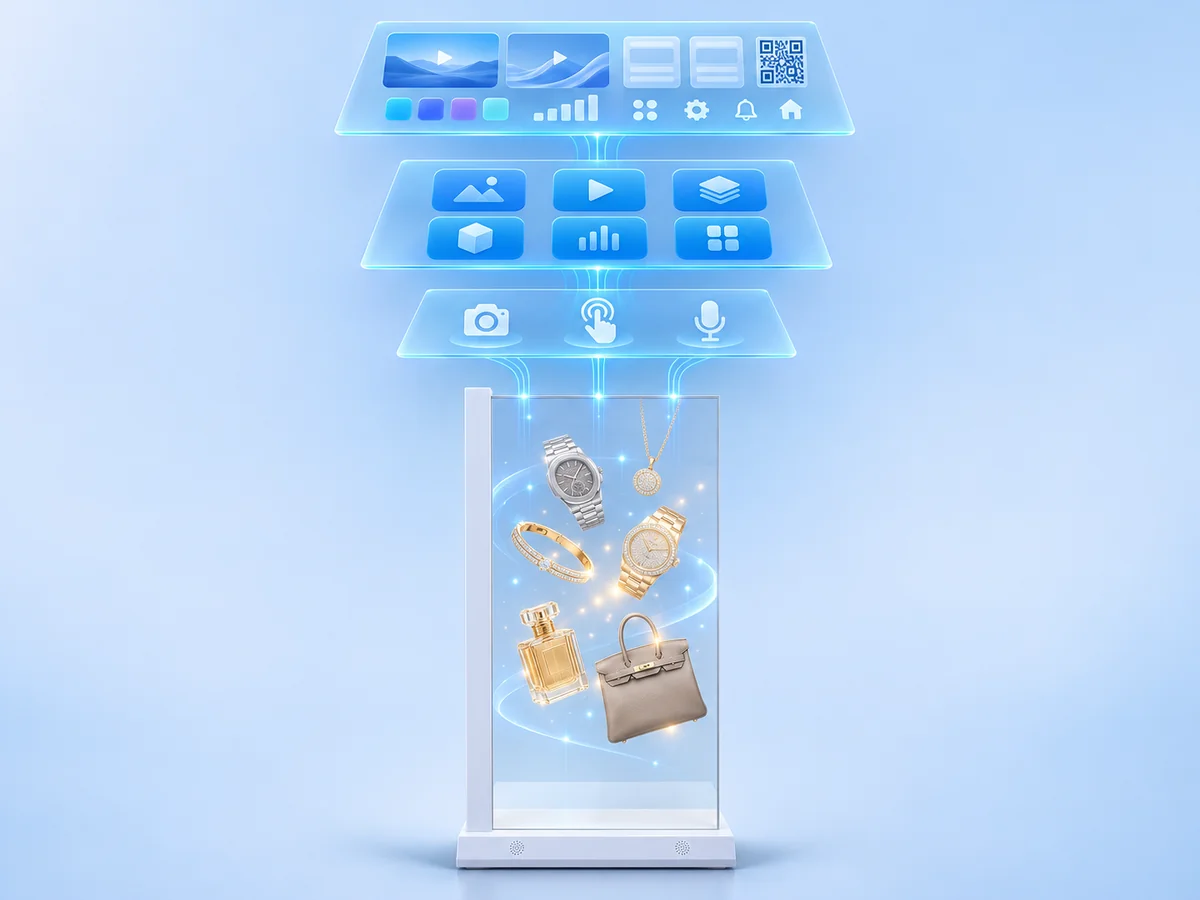
AIOLEDX transparent display with layered RC+ software
  • Content & servicesVideoMenusProduct dataKnowledge baseCampaigns
  • RC+ softwareRCPressRCPlayerRCScapeRC CoffeeFXMIRRORRCAvatar
  • Computing & interactionTouchCameraMicrophoneSensorsMedia player
  • Display hardwareTransparent OLEDTransparent LCDHolo BoxHolo Tube
One team

Display, structure and content planned together.

Built for transparent glass

Dark, high-contrast interfaces that stay readable over real scenes.

Brandable

OEM/ODM structures and white-label options.

Scoped per project

Interaction and integrations confirmed against your brief.

SOLUTIONS BY ENVIRONMENT

Start with the space.

Explore a practical starting point for the venue, audience and content. The final display, structure and software scope are confirmed per project.

01

Retail & showrooms

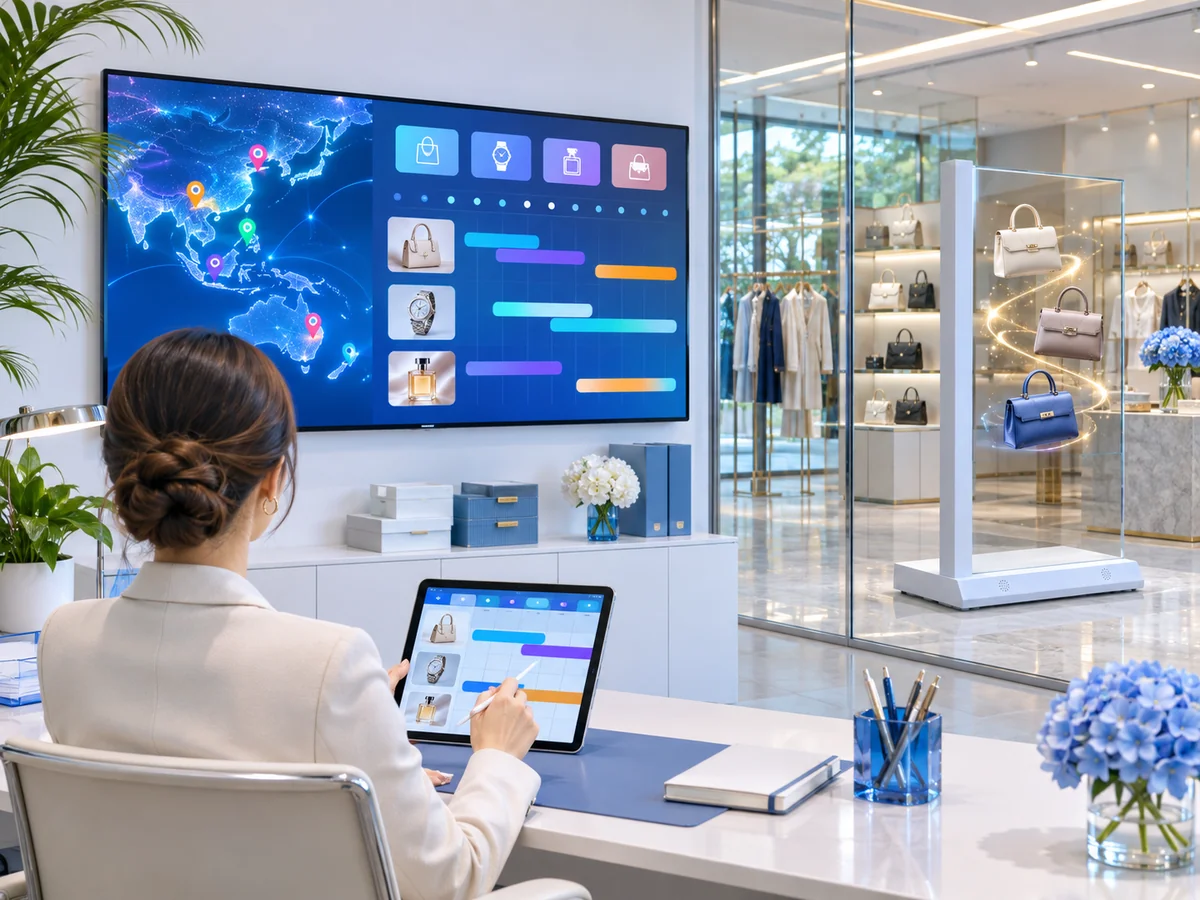
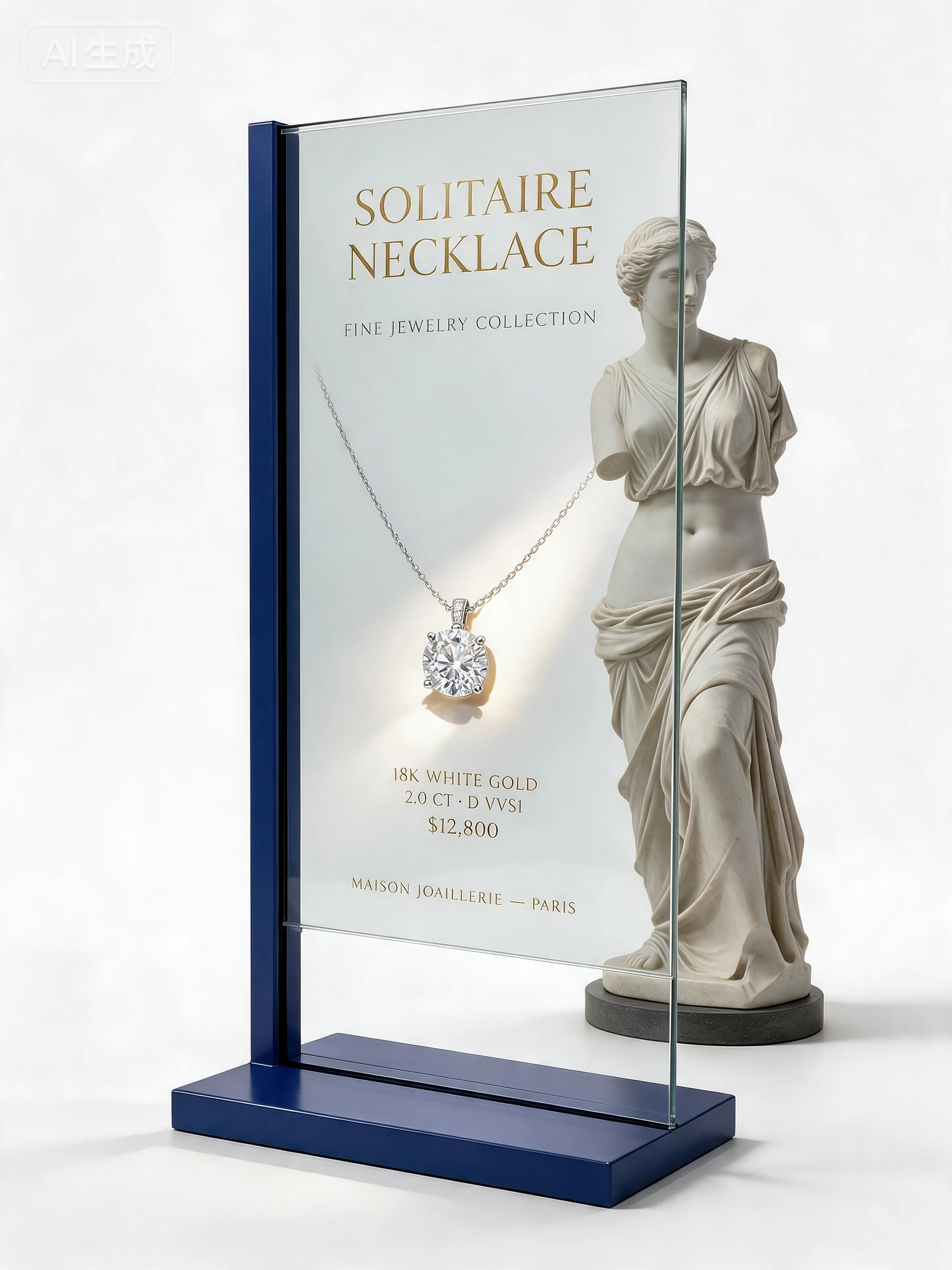
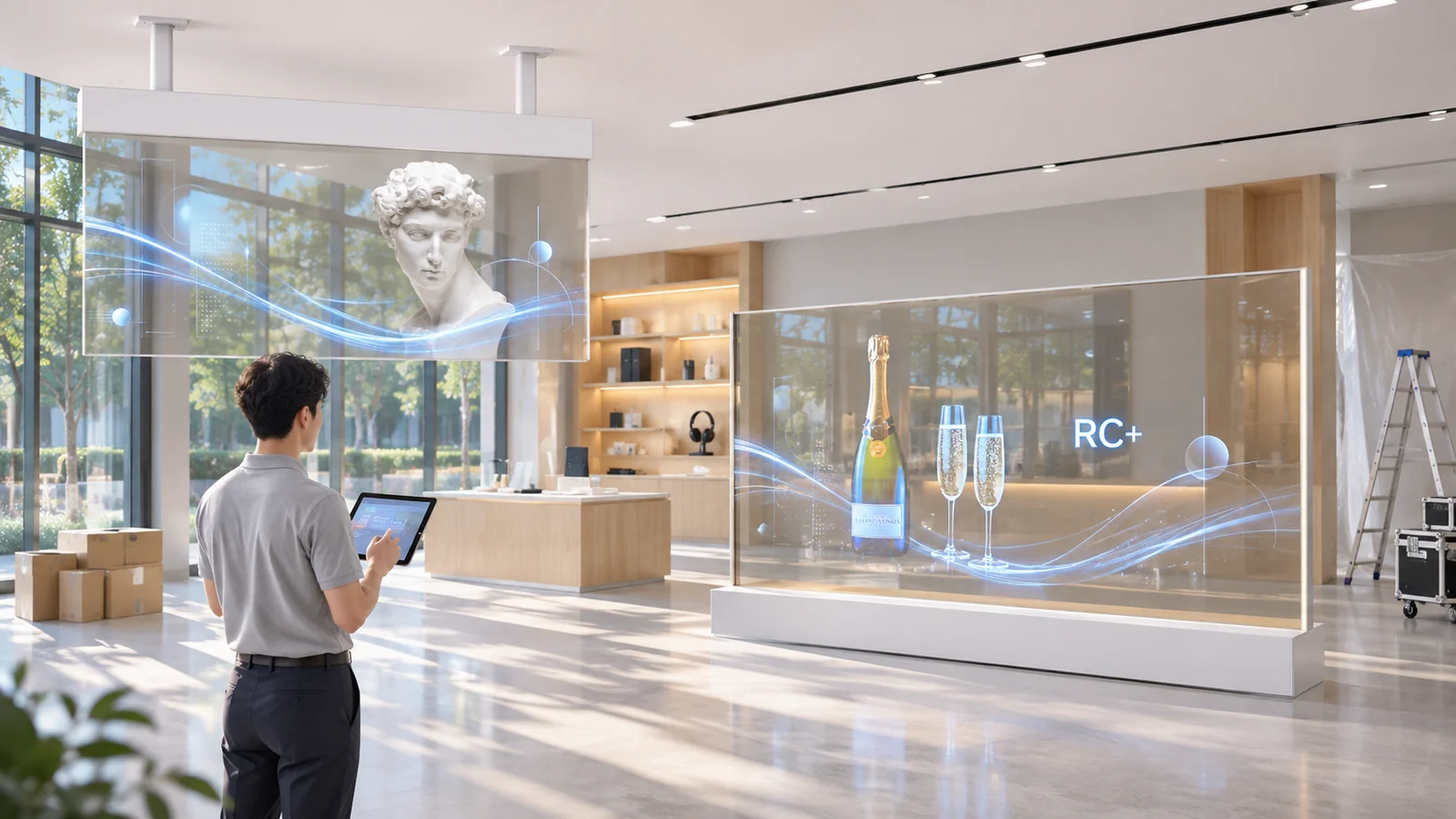
Keep the merchandise in view and let the glass carry the story: prices, campaigns and product detail float over the shelf, and fashion customers can try looks on the window itself.

How it works

  1. Plan campaigns and product messages in RCPress
  2. Content syncs to each display, or loops from USB with RCPlayer
  3. Shoppers see information layered on the products, or try looks with FXMIRROR

What you get

  • Products stay visible through the glass
  • Update every store from one console
  • Interaction only where the project needs it
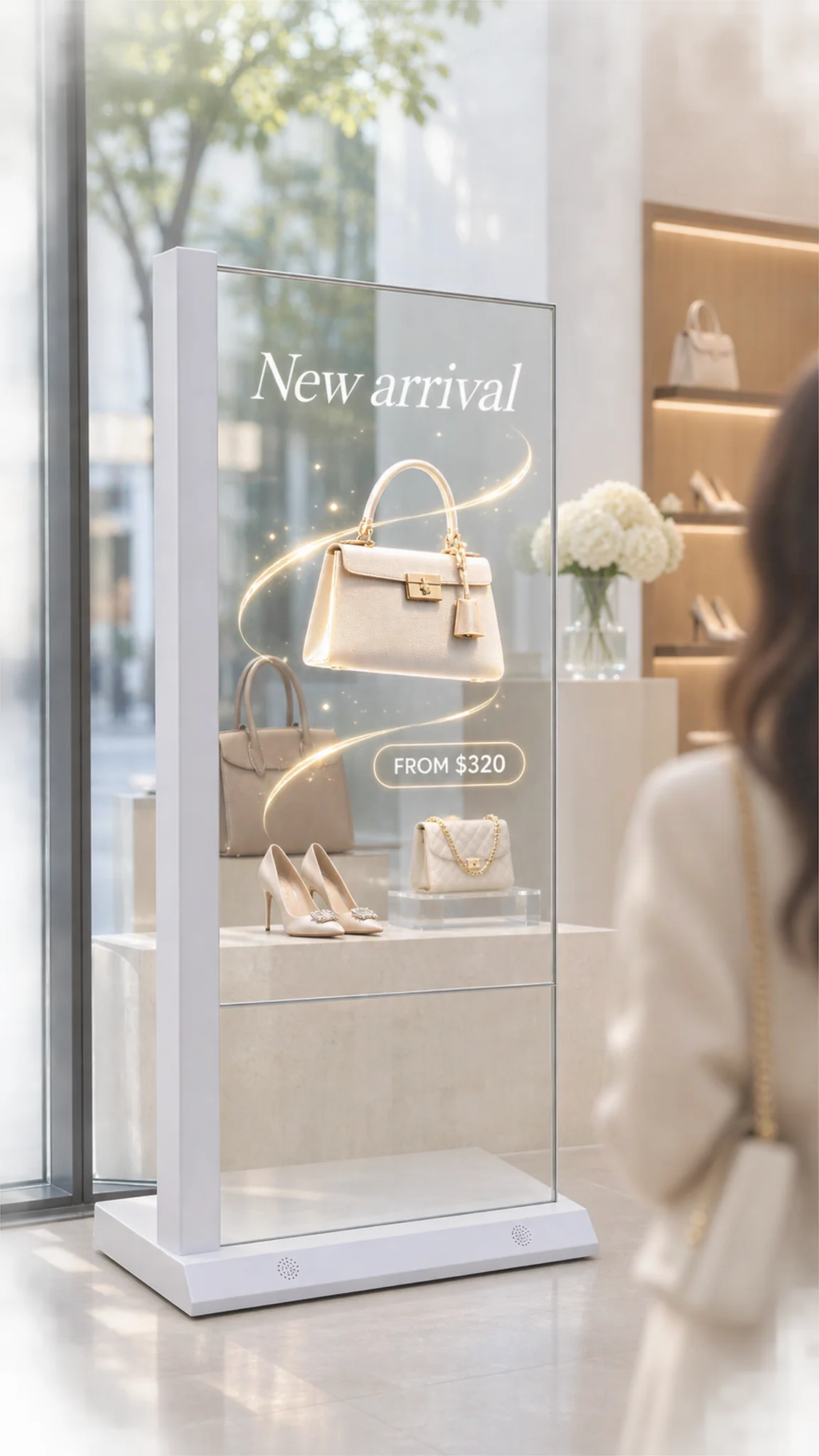
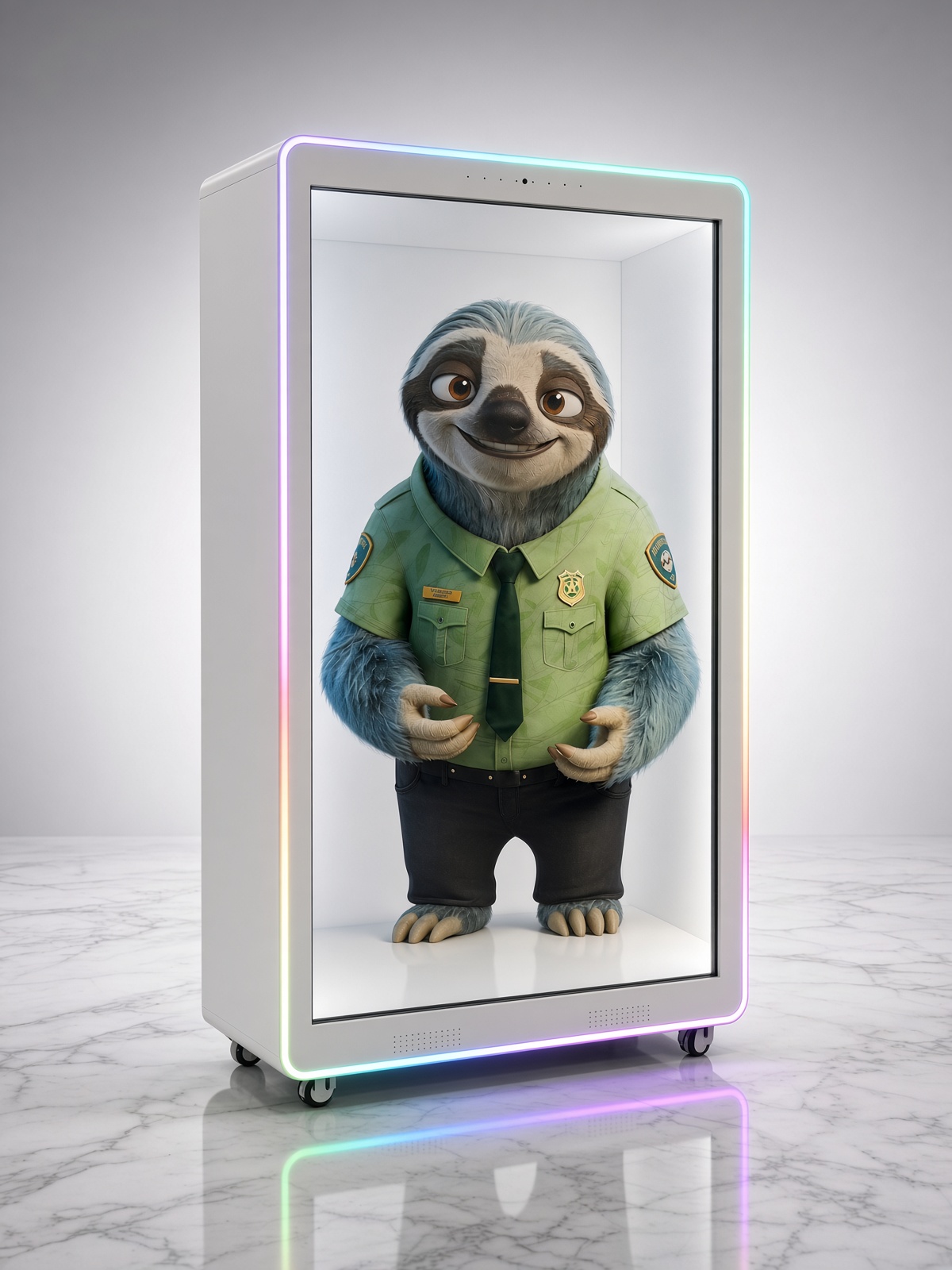
Retail & showrooms solution with AIOLEDX transparent display
Illustrative scene. Final configuration confirmed per project.
RC+ behind the screen
Retail & showrooms: RC+ software behind the screen
Illustrative scene. Final configuration confirmed per project.

02

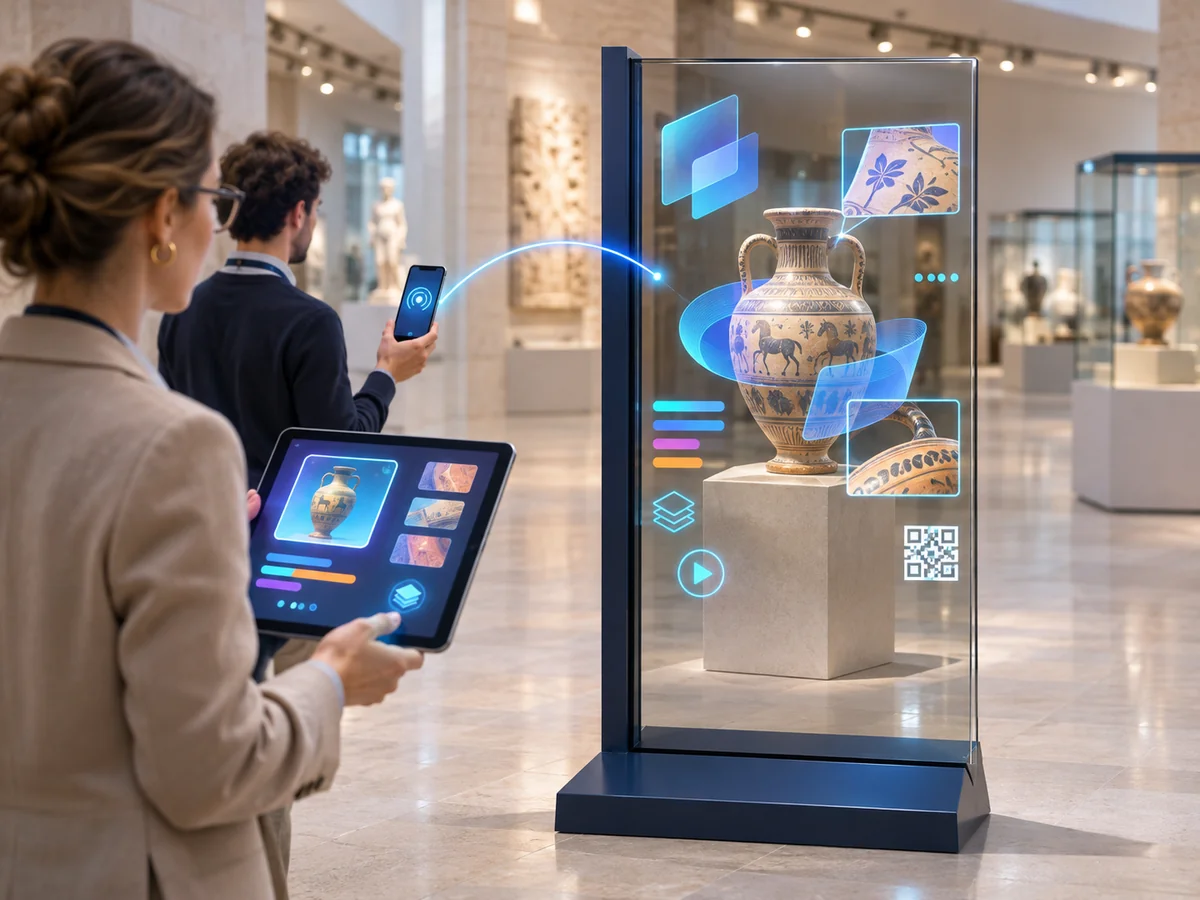
Museums & culture

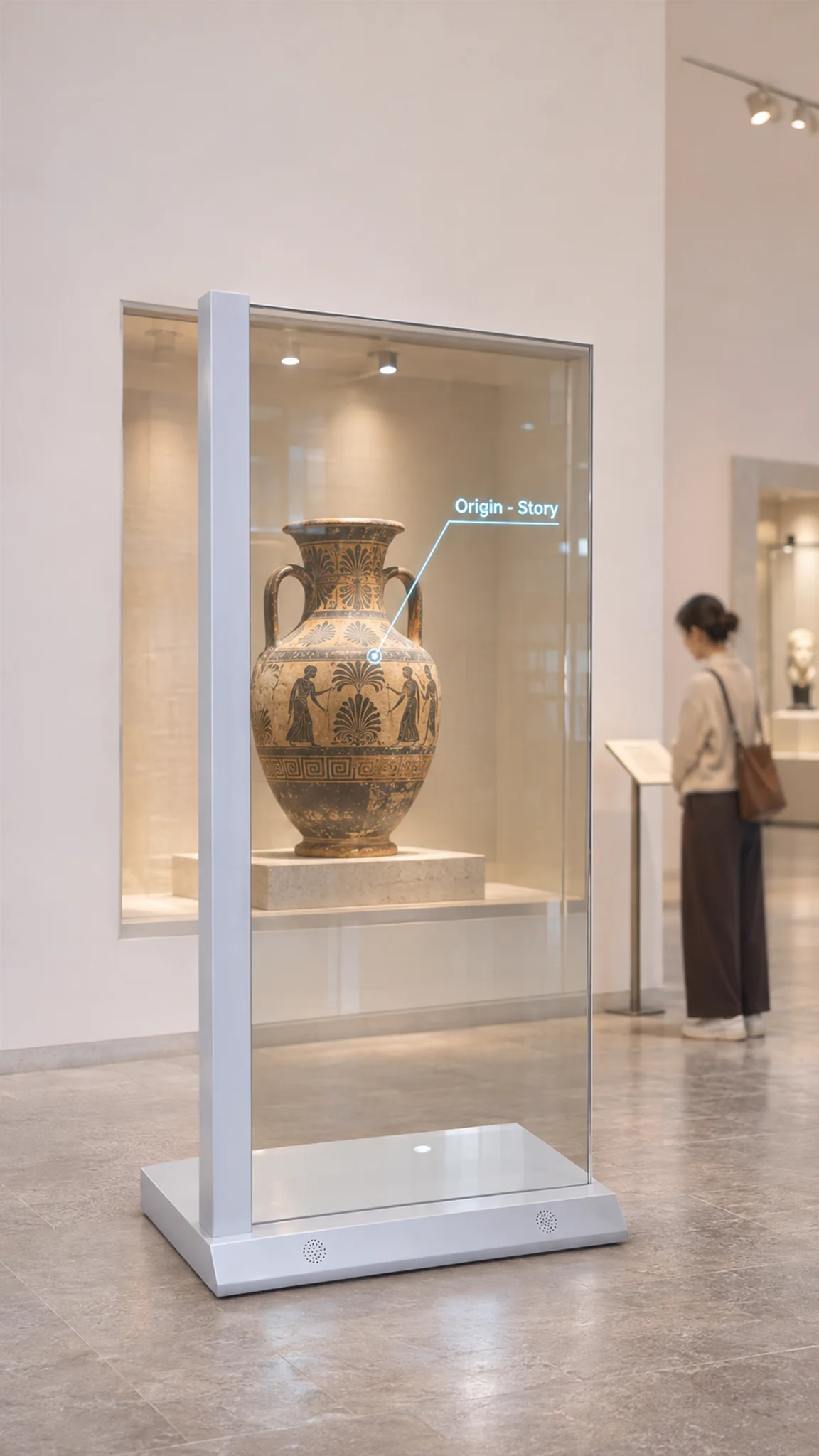
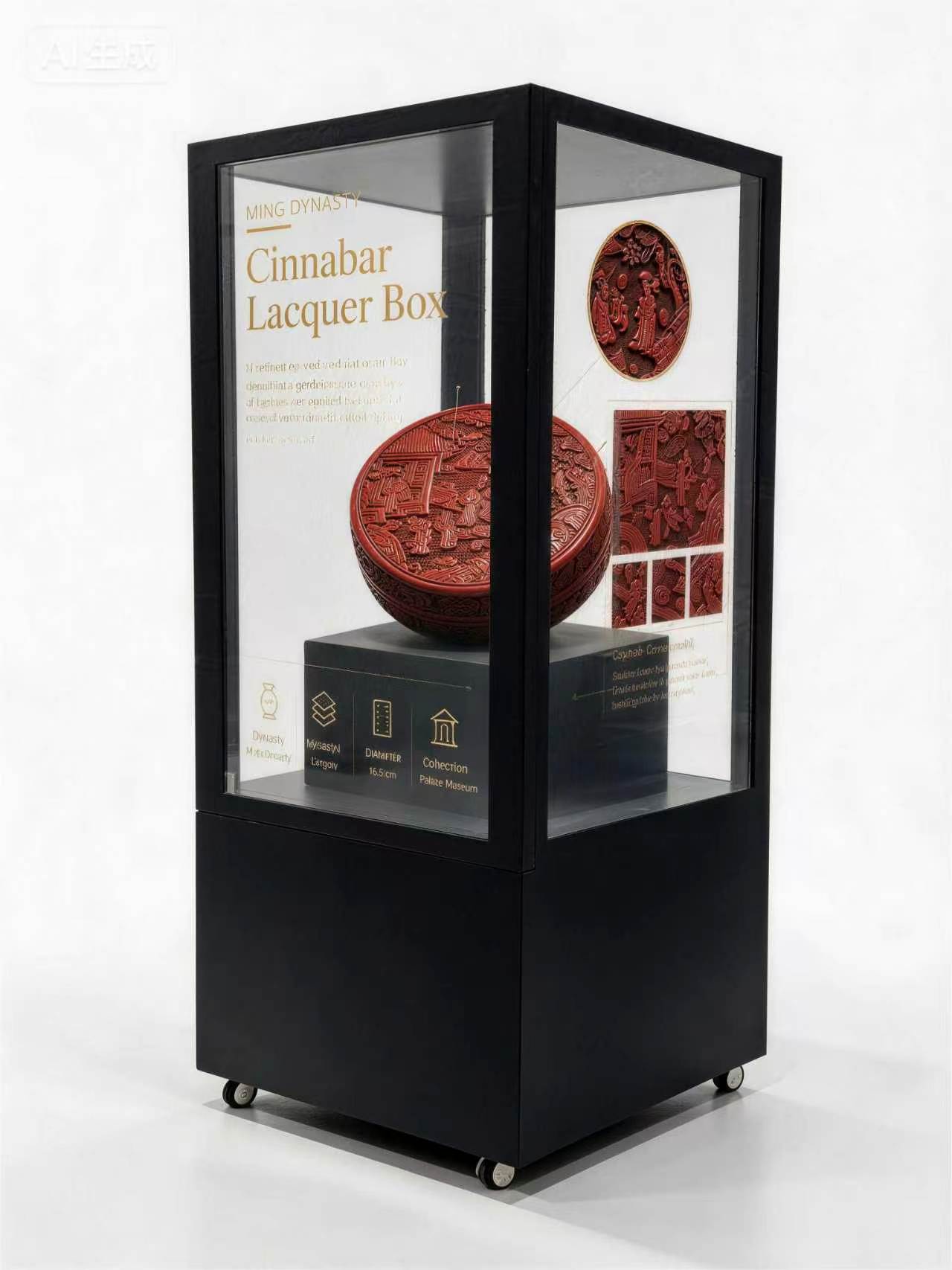
Layer interpretation over real objects without hiding them. A digital guide answers visitor questions while the exhibit stays visible behind the glass.

How it works

  1. Curators prepare exhibit stories in RCPress
  2. Staff devices connect to exhibit screens with RCScape
  3. Visitors read the layered captions or ask the RCAvatar guide

What you get

  • Objects and information in the same view
  • Content updates without touching the exhibit
  • A guide that can speak several languages, scoped per project
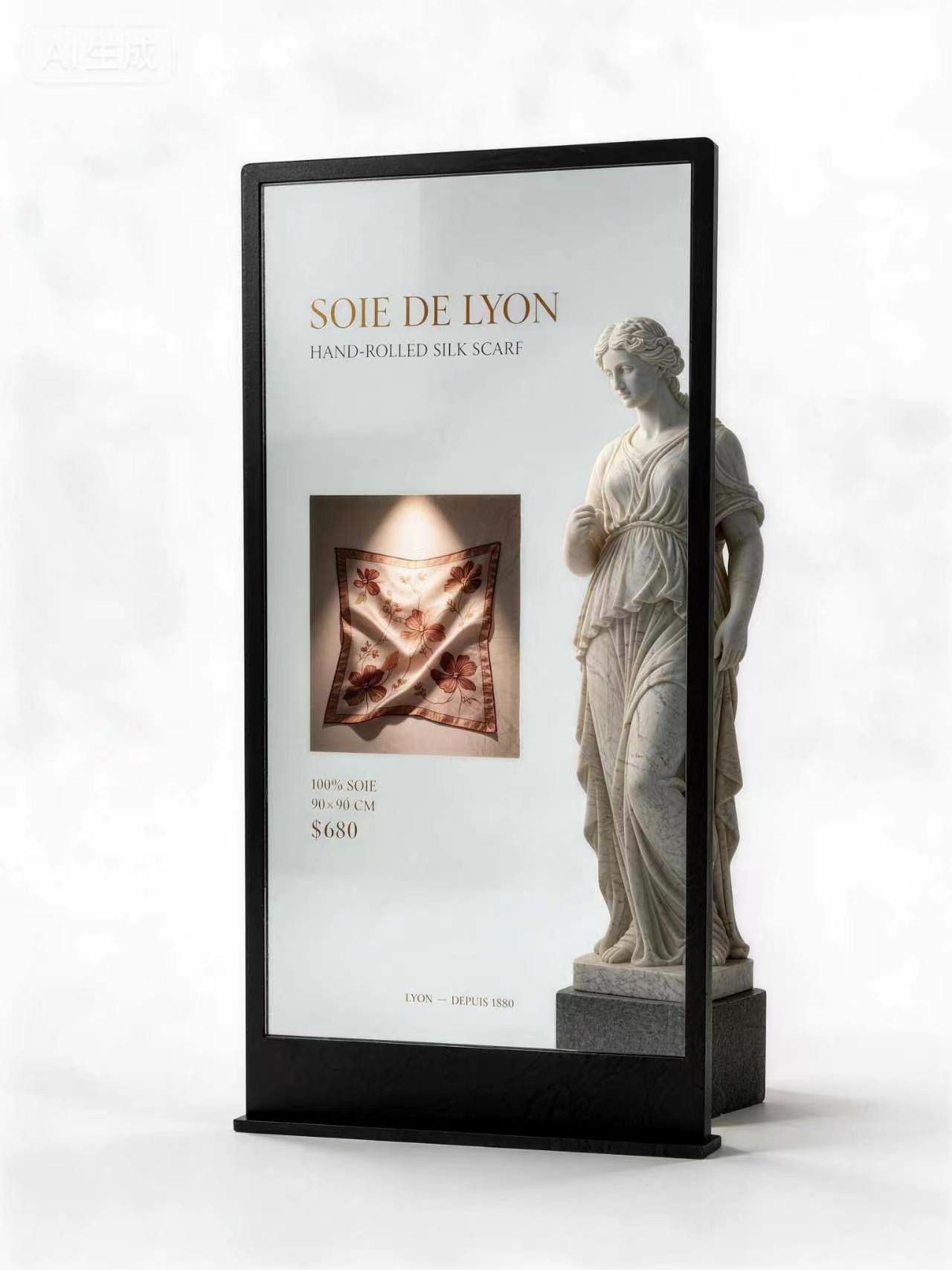
Museums & culture solution with AIOLEDX transparent display
Illustrative scene. Final configuration confirmed per project.
RC+ behind the screen
Museums & culture: RC+ software behind the screen
Illustrative scene. Final configuration confirmed per project.

03

Exhibitions & events

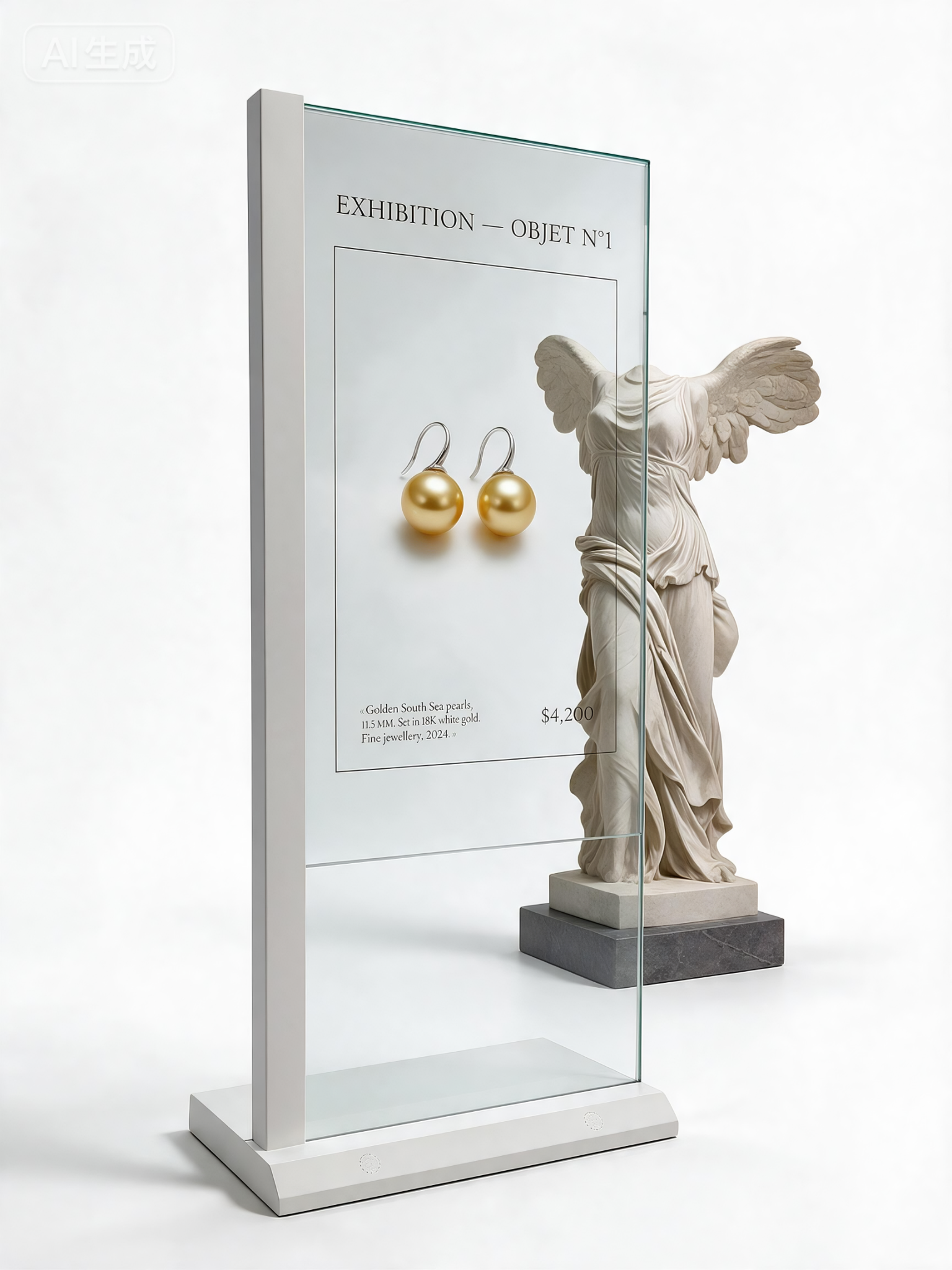
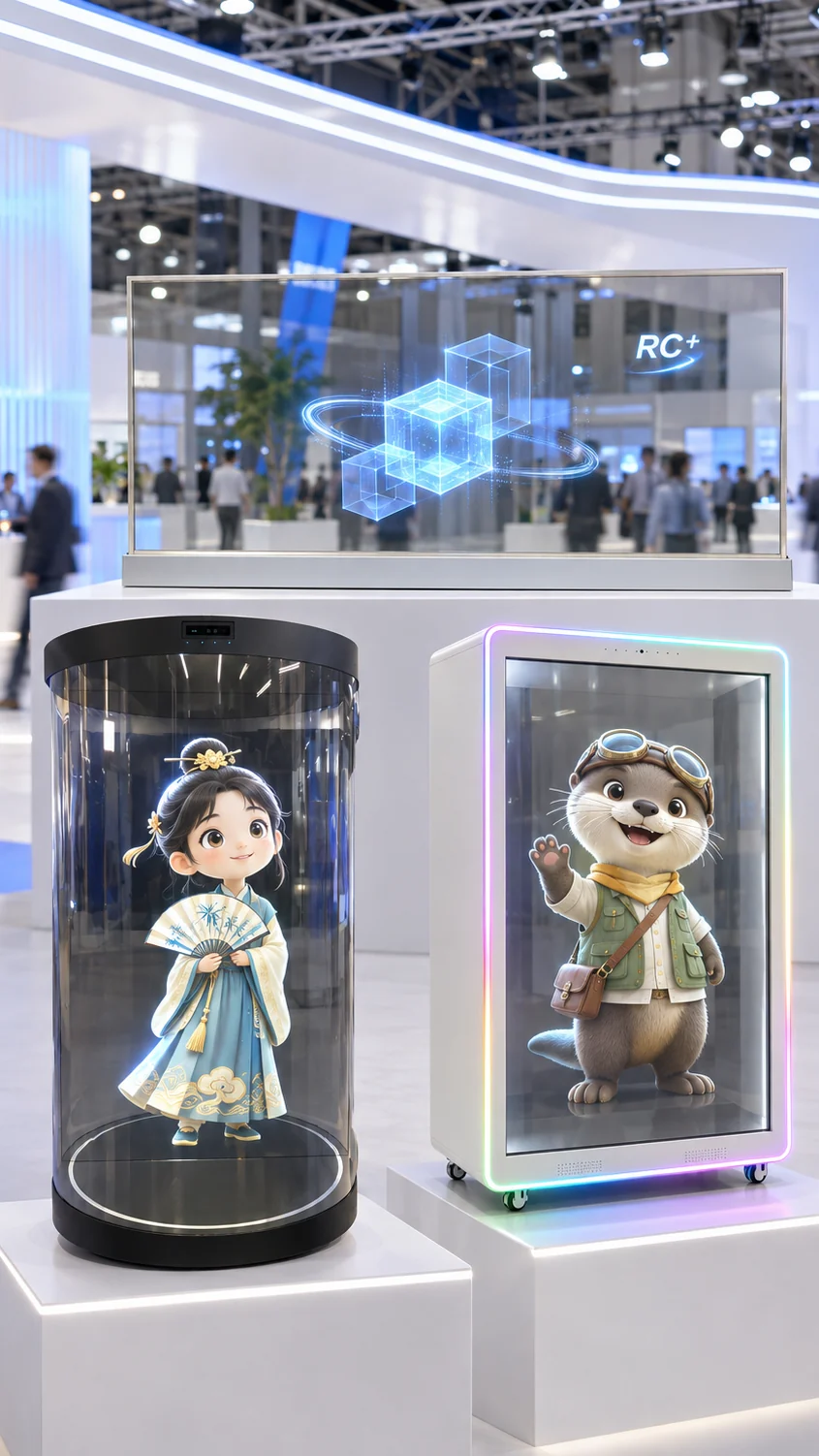
A focal point for launches and demonstrations. Run several formats together, move fast on set-up, and keep every screen looping reliably for the length of the show.

How it works

  1. Build the show loop in RCPress, or drop files on a USB stick
  2. Connect screens on site with RCScape
  3. Displays start on boot and loop all day

What you get

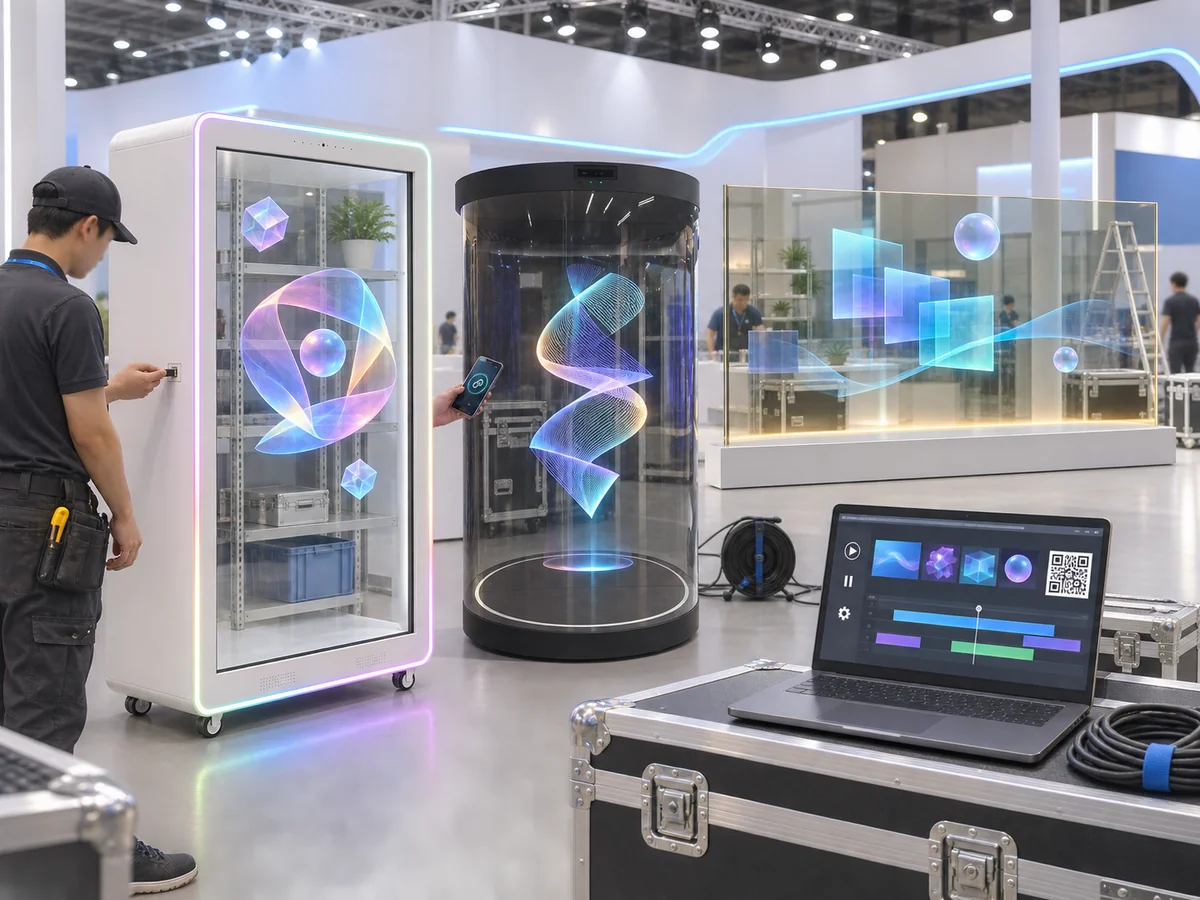
  • Mix holographic and transparent formats
  • Stand staff can restart with no technical skill
  • A locked-down player for public floors
Exhibitions & events solution with AIOLEDX transparent display
Illustrative scene. Final configuration confirmed per project.
RC+ behind the screen
Exhibitions & events: RC+ software behind the screen
Illustrative scene. Final configuration confirmed per project.

04

Corporate & visitor spaces

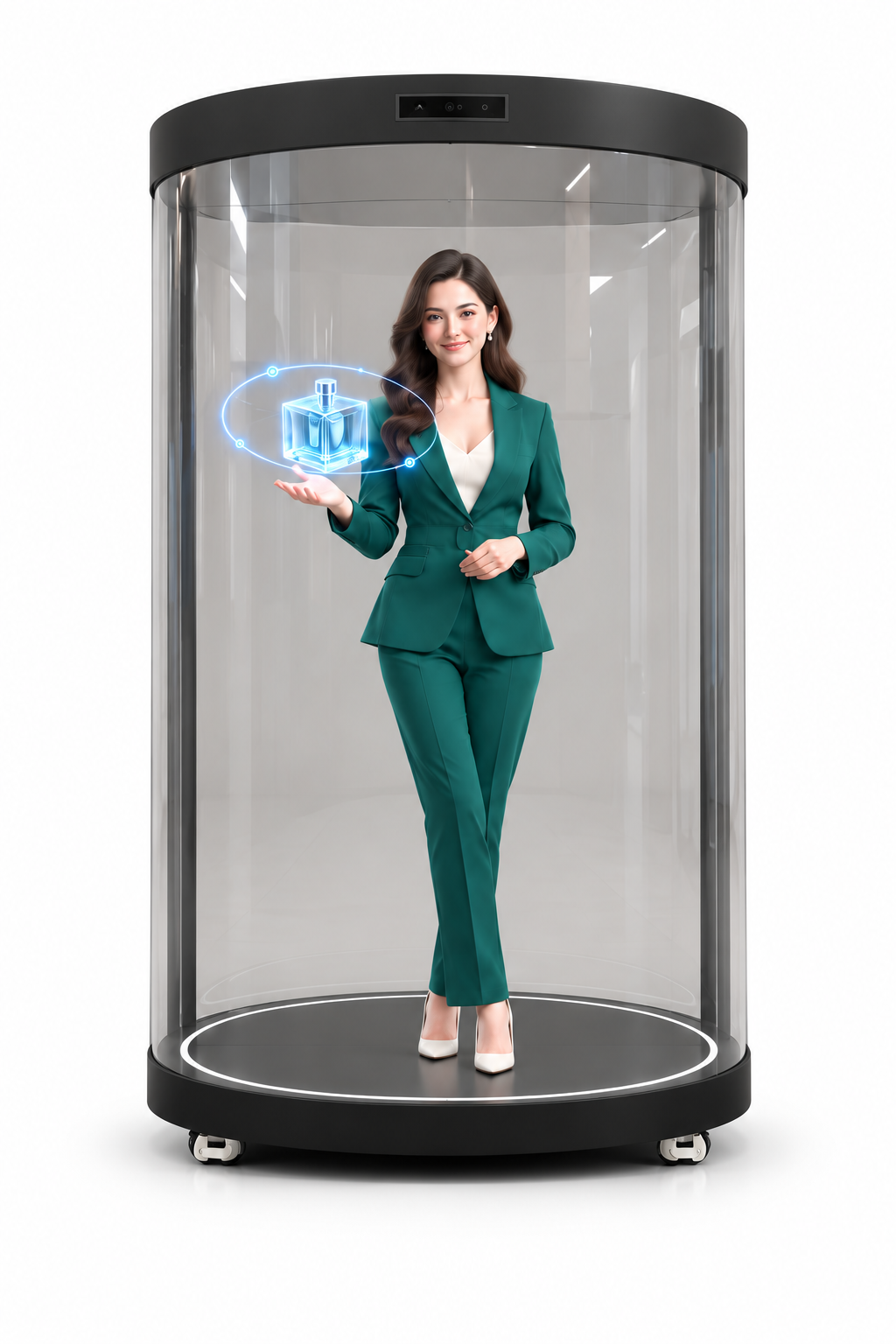
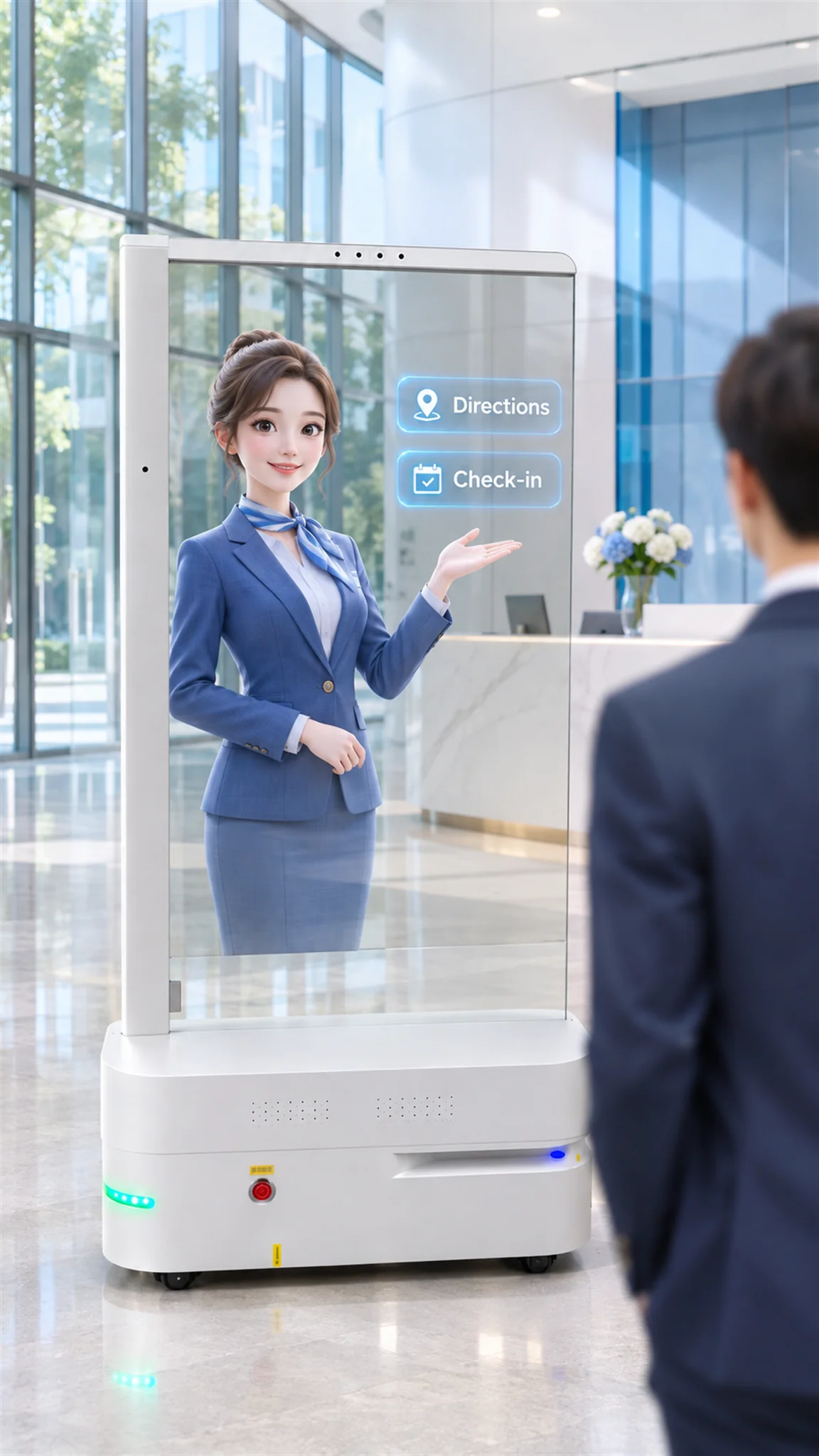
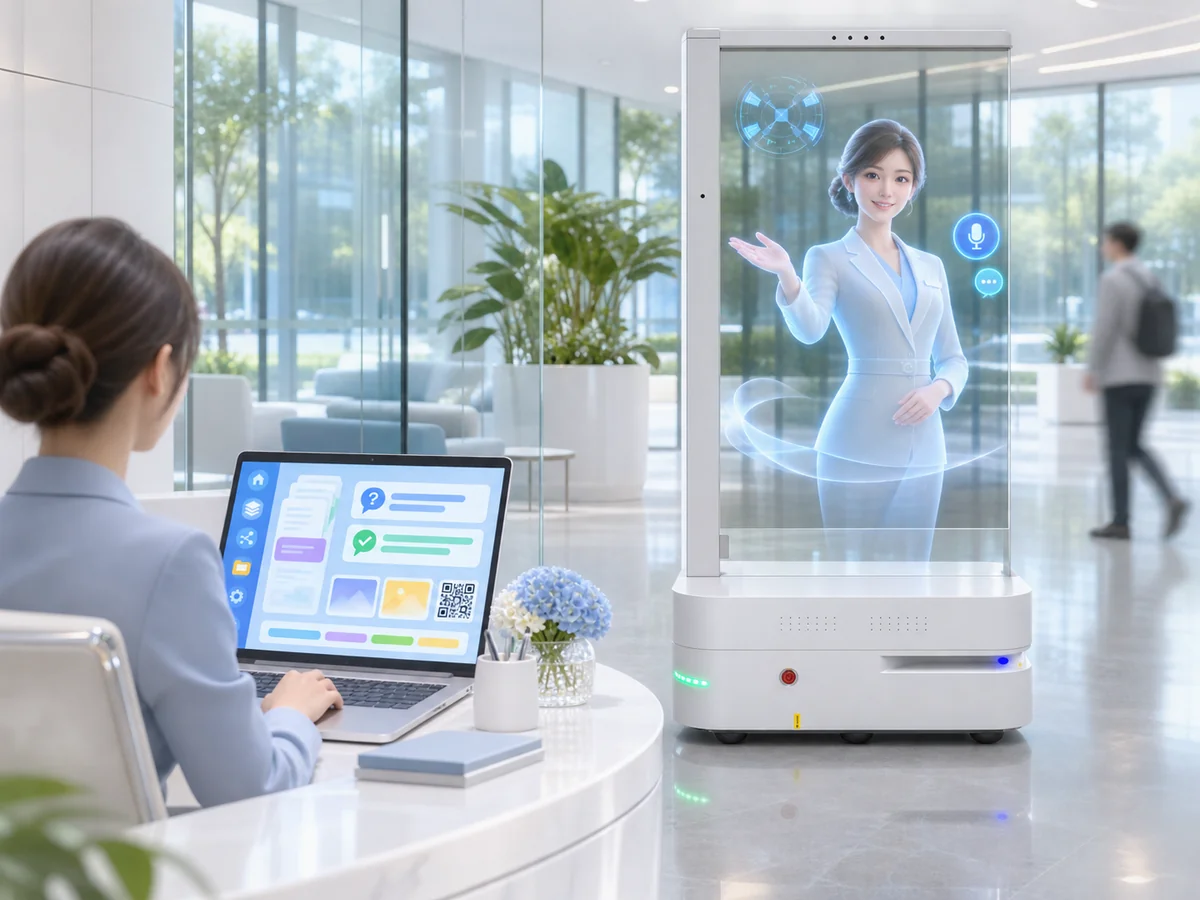
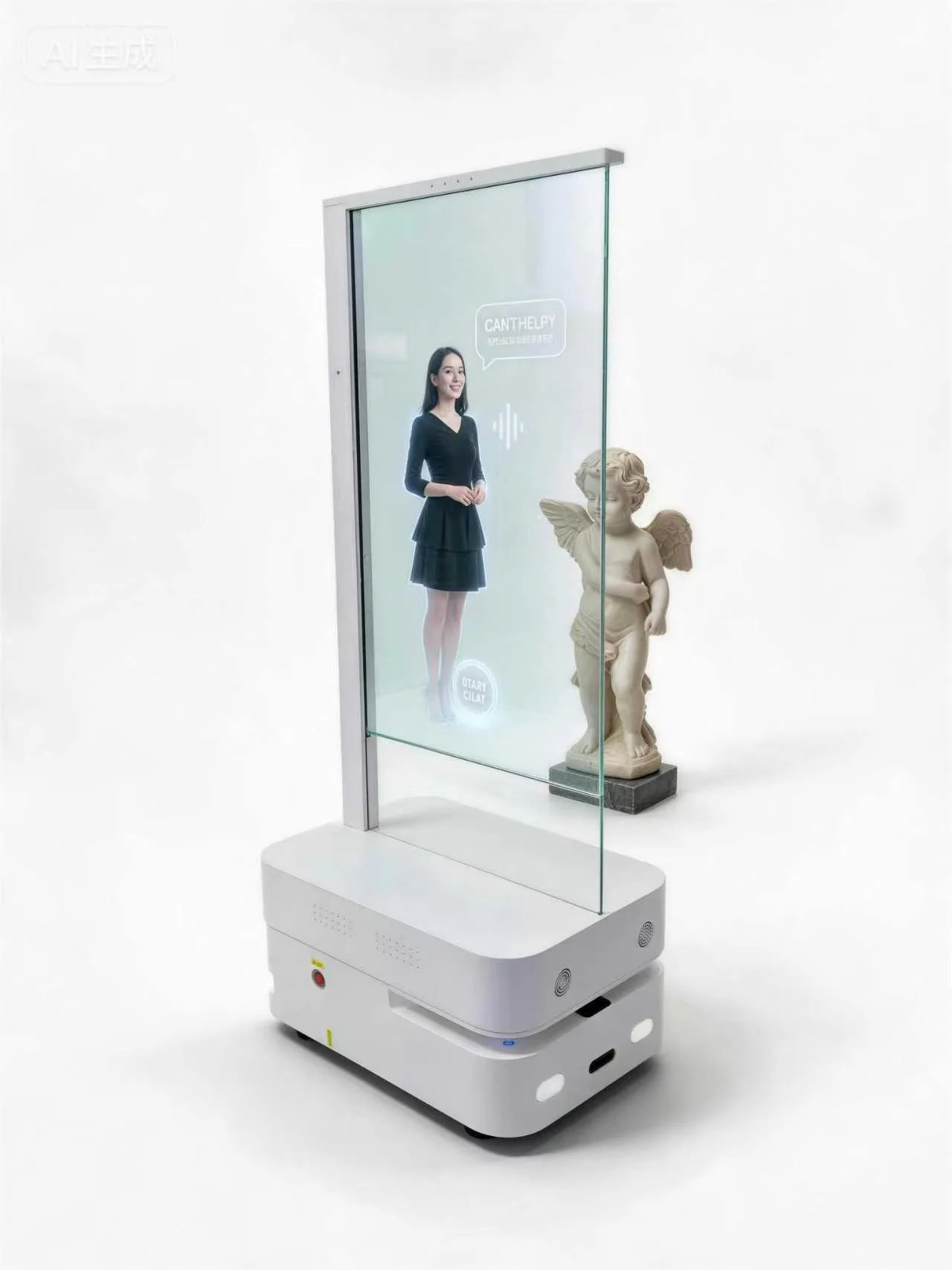
Greet and guide visitors with a digital host. RCAvatar answers from your own knowledge base and puts directions, schedules and check-in on the screen.

How it works

  1. Load your answers, directions and visitor flows
  2. The visitor speaks or taps, and the avatar replies
  3. Service cards show what to do next

What you get

  • A consistent first impression, around the clock
  • Your own knowledge base, kept private to the project
  • Mobile format for moving between zones
Corporate & visitor spaces solution with AIOLEDX transparent display
Illustrative scene. Final configuration confirmed per project.
RC+ behind the screen
Corporate & visitor spaces: RC+ software behind the screen
Illustrative scene. Final configuration confirmed per project.

05

Hospitality

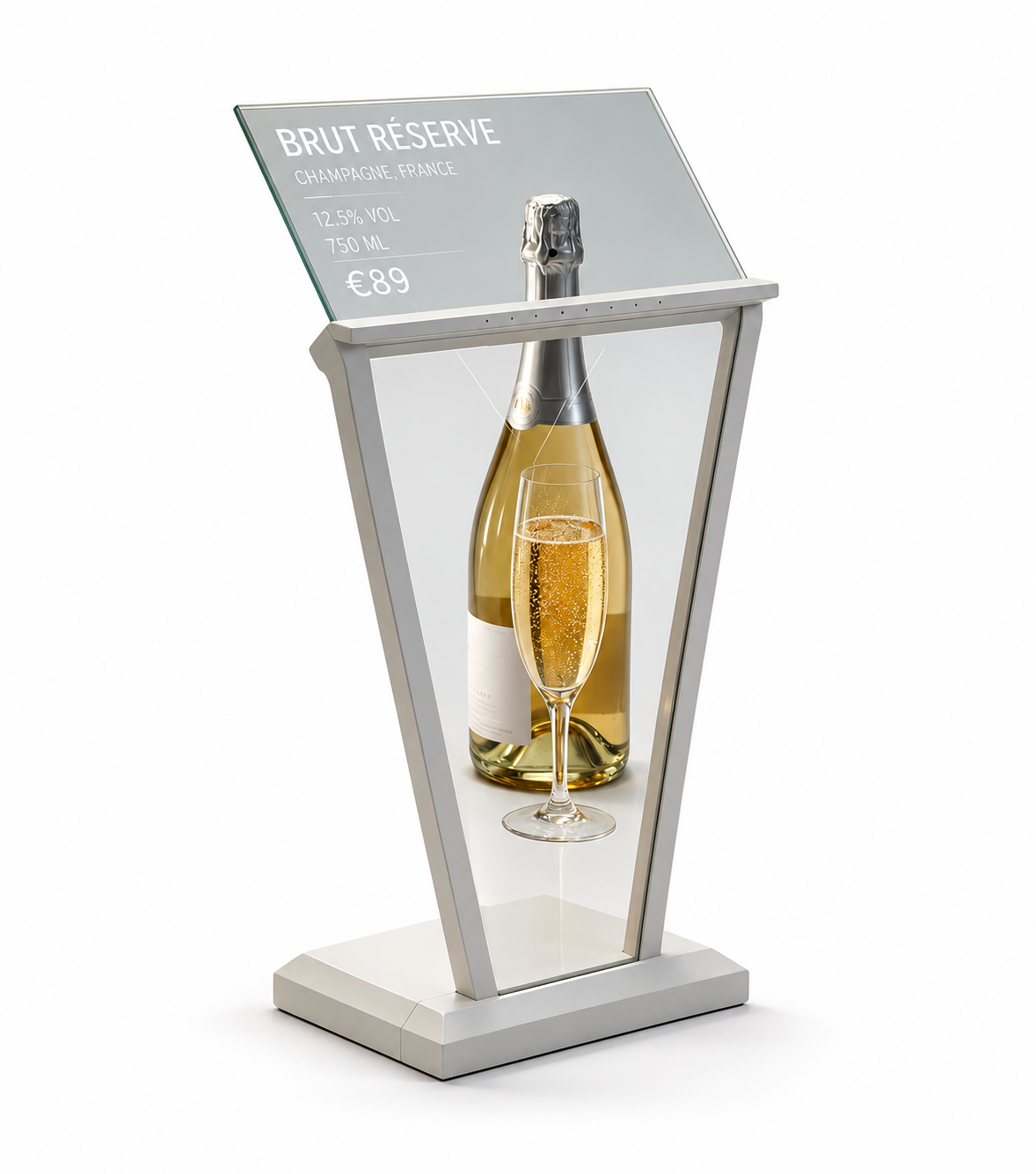
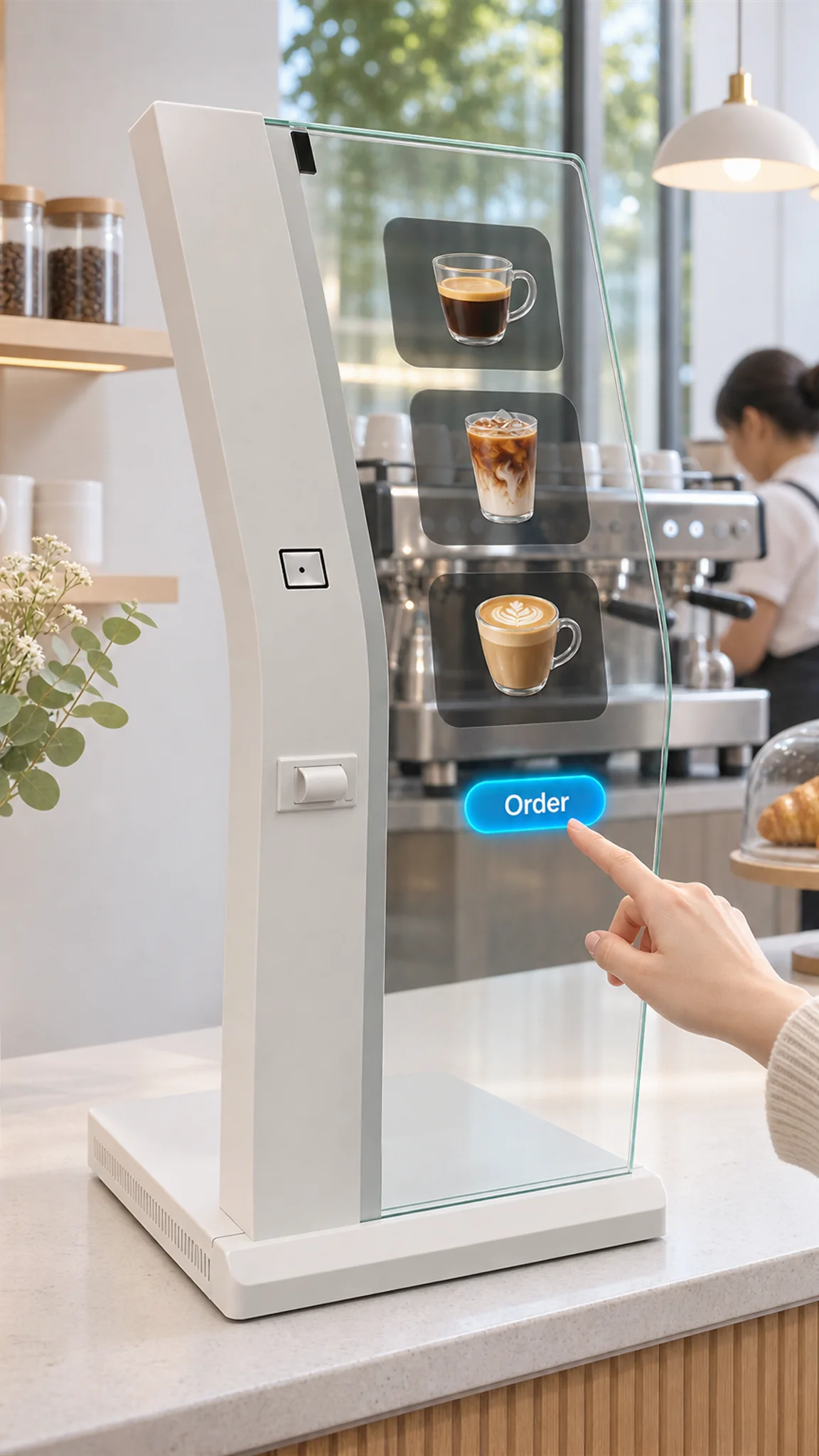
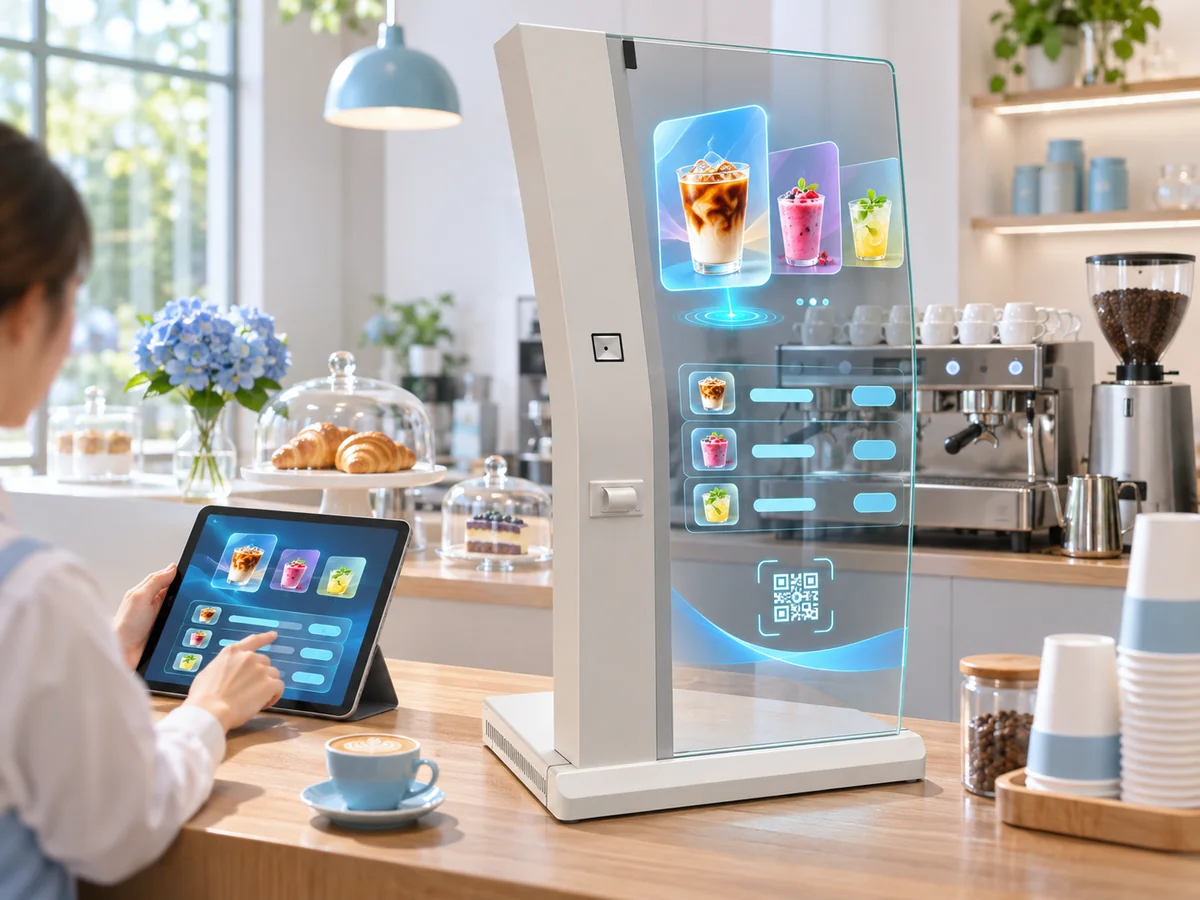
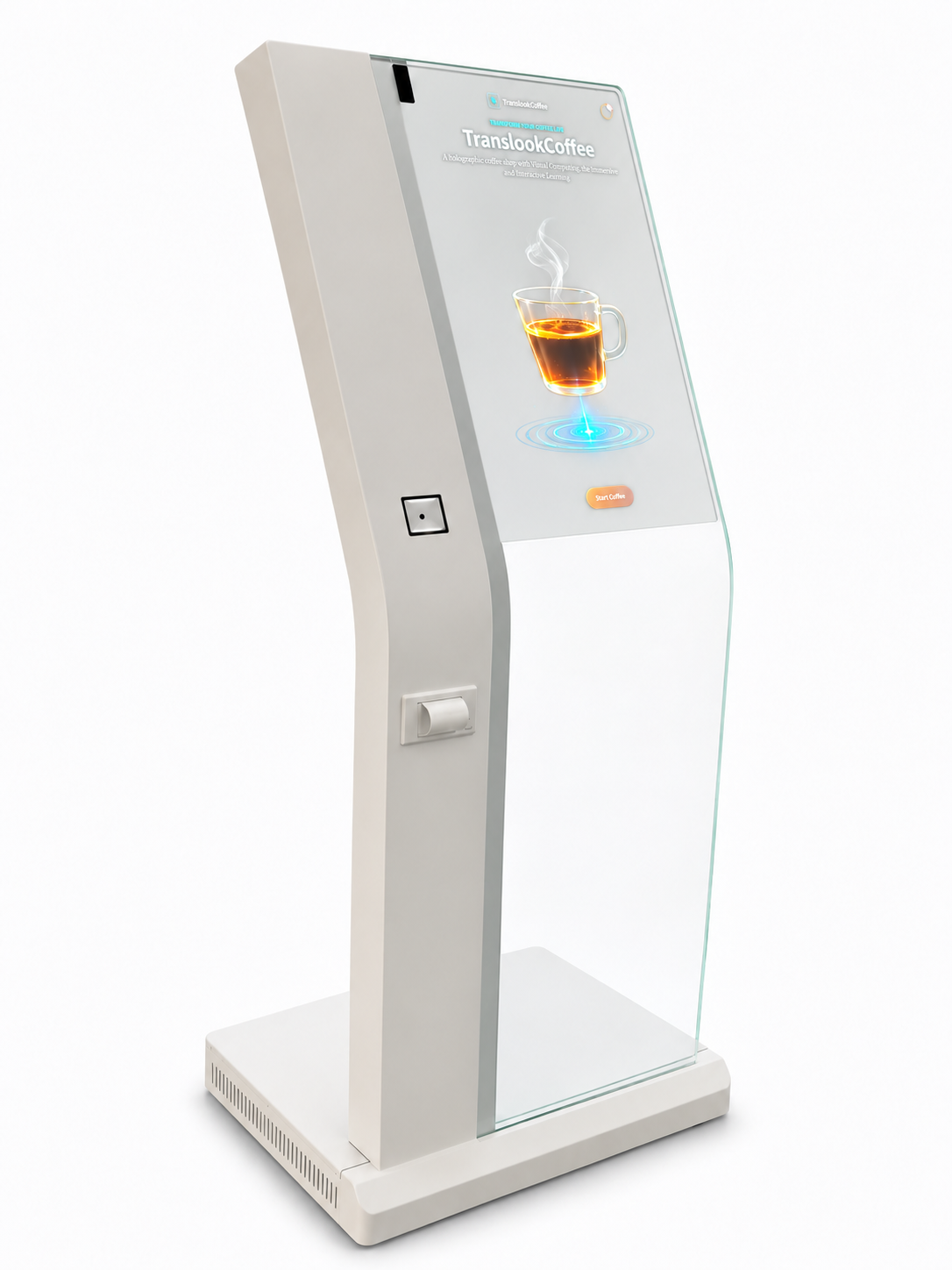
Order, reception and promotion on the same glass. RC Coffee gives guests a clear ordering flow, and an RCAvatar concierge can answer questions and suggest.

How it works

  1. Guests browse the menu and pick options by touch
  2. The order is confirmed and sent on to the counter
  3. RCPress keeps menus and offers current across venues

What you get

  • A clear, touch-first order flow
  • See-through glass that keeps the counter lively
  • Payment and POS links scoped per project
Hospitality solution with AIOLEDX transparent display
Illustrative scene. Final configuration confirmed per project.
RC+ behind the screen
Hospitality: RC+ software behind the screen
Illustrative scene. Final configuration confirmed per project.

06

System integration

When the project needs more than a screen: structure, computing, interaction hardware and software designed together, and connected to the systems you already run.

How it works

  1. Share the brief: space, content, quantities, systems
  2. We specify hardware and software as one package
  3. Test, document and support the installation

What you get

  • One team for display and software
  • Interfaces to your CMS, POS or data
  • OEM/ODM structure, finish and branding
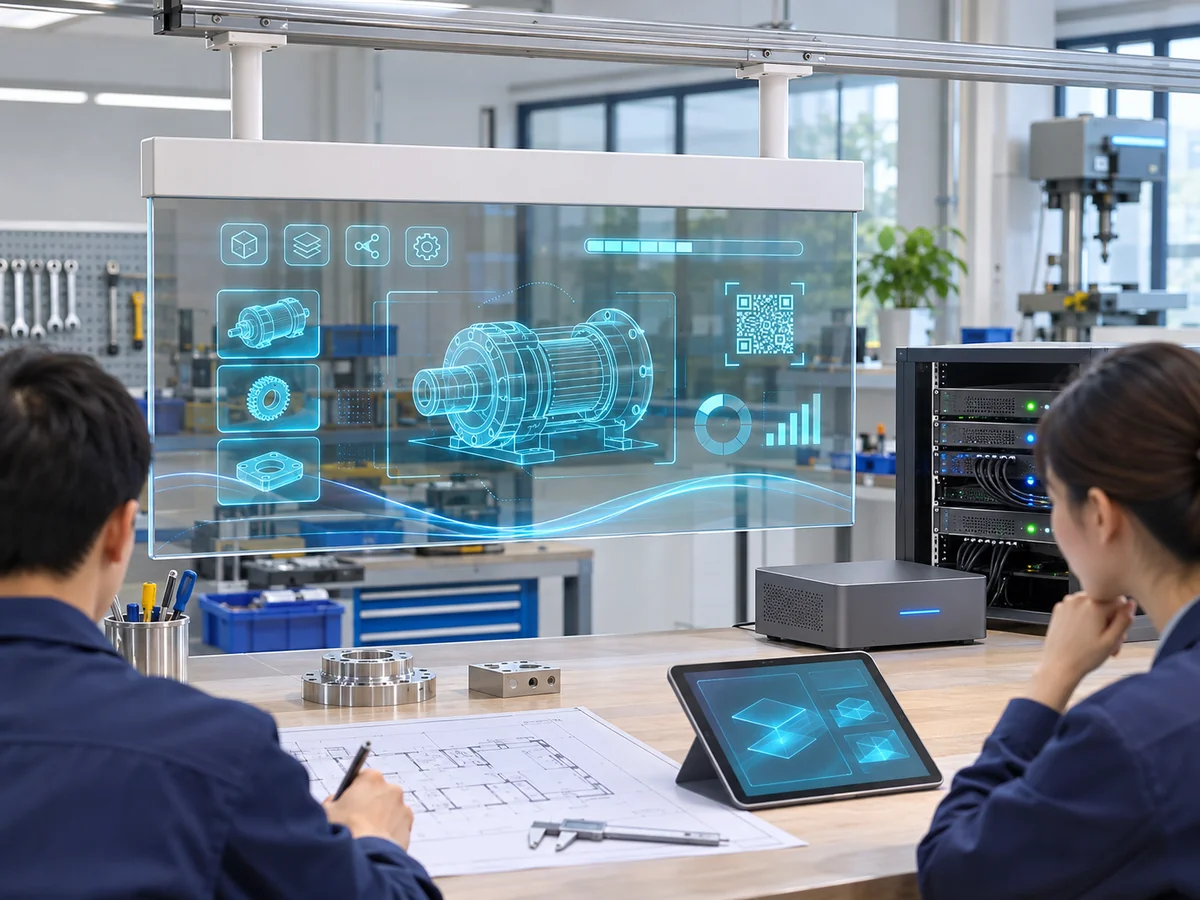
System integration solution with AIOLEDX transparent display
Illustrative scene. Final configuration confirmed per project.
RC+ behind the screen
System integration: RC+ software behind the screen
Illustrative scene. Final configuration confirmed per project.

HOW WE DELIVER

From brief to installed solution.

01

Brief

Location, dimensions, content type, quantity and schedule.

02

Solution design

Display, structure, computing and RC+ modules specified together.

03

Build and test

Hardware and software configured, then checked against your content.

04

Install and support

Documentation, installation guidance and after-sales coordination.

OEM / ODM display configuration

Structure & appearance

Discuss enclosure, mounting, orientation, finishes, branding and cable management.

Control & interaction

Selected configurations can support computing, touch, sensors and AI applications. Compatibility and software requirements need project review.

Software branding

RCPress can be white-labelled with your name and logo for OEM projects. Scope confirmed per project.

Diagrams are schematic illustrations. Software features, interaction hardware and integrations are confirmed for the exact configuration and destination.

Share your project brief ↗
WhatsApp · Joey+86 1599 2158 071